Watch Audio Quality
The format songs are sent to your Apple Watch in.
WhereSettings›Devices›Watch Audio Quality
iPhoneiPadNot on MacNot on Apple TVNot on Apple Watch
Where it is
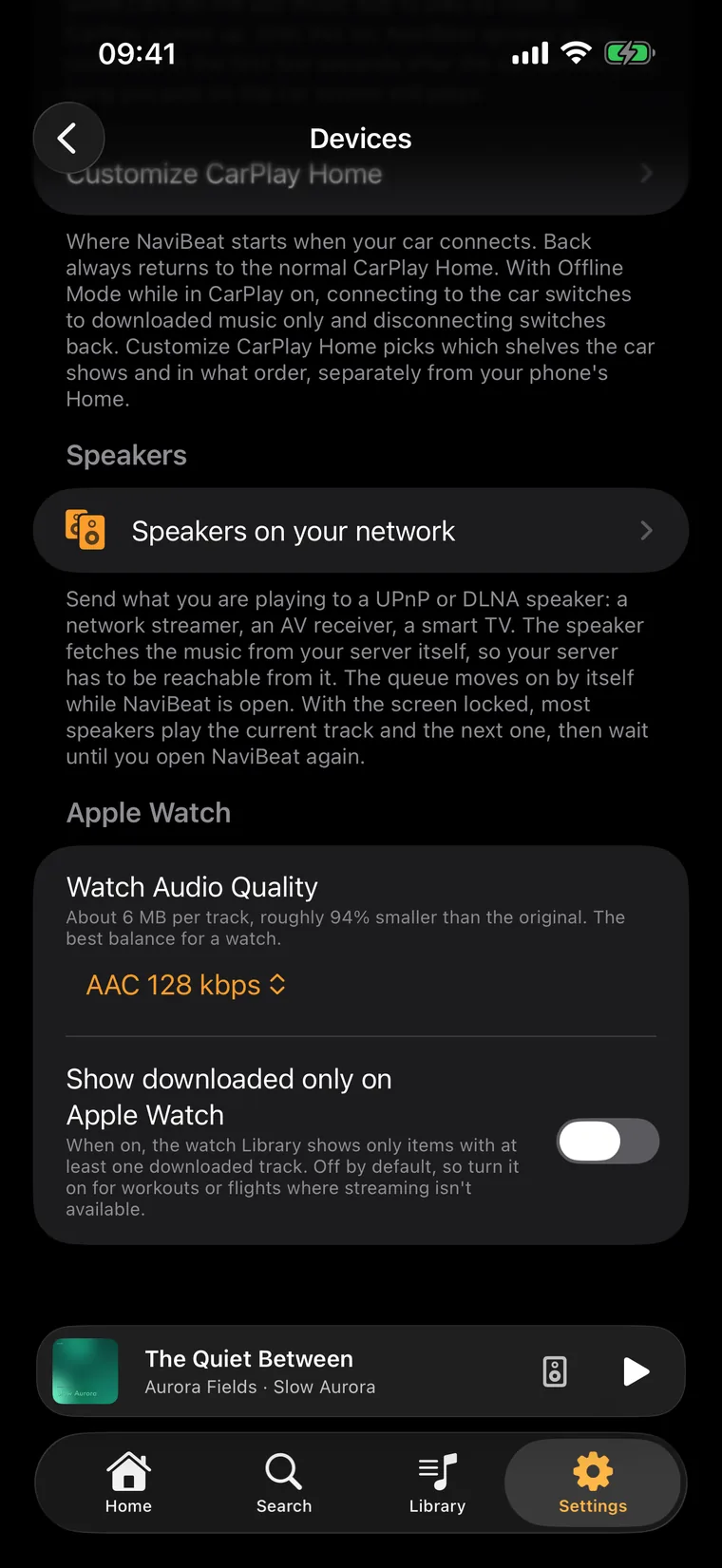
The highlighted row is Watch Audio Quality.
Screenshot from iPhone.
How to change it
- Open Settings.
- Tap Devices.
- Find Watch Audio Quality and change it.
Options
| Option | What it does | Default |
|---|---|---|
| Original | Lossless, and huge. One FLAC can be 80 MB. | |
| AAC 256 kbps | About 11 MB per song. Excellent quality. | |
| AAC 128 kbps | About 6 MB per song. The best balance for a watch. | Yes |
| MP3 128 kbps | About 5 MB per song, for the widest compatibility. | |
| MP3 96 kbps | The smallest files. |
Checked against the app on 21 November 2026.