Save names and album info
Keeps your library's names and album info on this device, for fast browsing.
WhereSettings›Server & Library›Offline Library›Save names and album info
iPhoneiPadMacNot on Apple TVNot on Apple WatchDefault: Off
Where it is
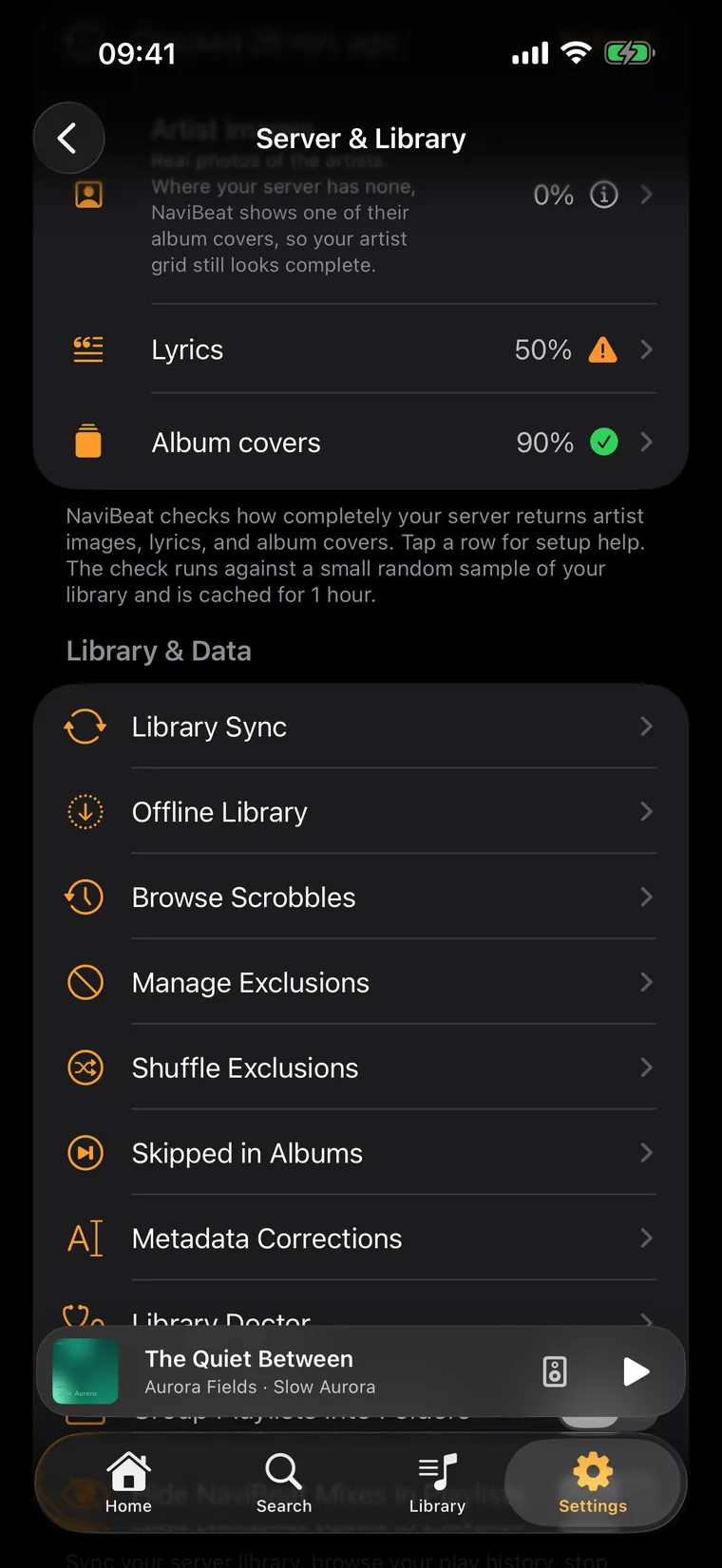
Screenshot from iPhone.
What it does
Browsing gets fast and works without a connection, but songs still need the server or a download to play.
Smooth shuffle needs this to finish its first sync.
How to change it
- Open Settings.
- Tap Server & Library.
- Tap Offline Library.
- Find Save names and album info and change it.
Checked against the app on 20 November 2026.