Saved Servers
Switch between servers and accounts in two taps.
WhereSettings›Server & Library›Saved Servers
iPhoneiPadMacApple TVNot on Apple Watch
Where it is
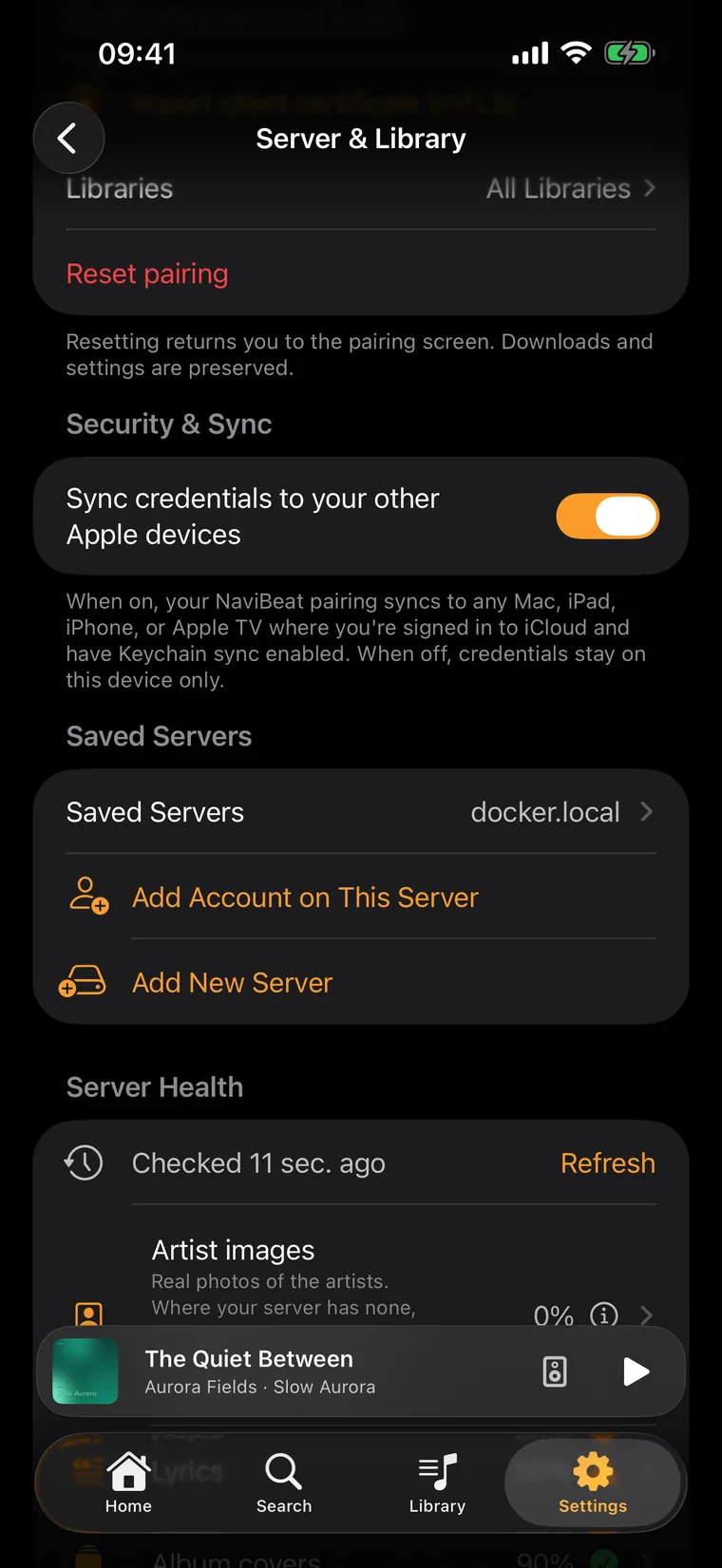
The highlighted row is Saved Servers.
Screenshot from iPhone.
What it does
Save the server you are connected to, and every saved server becomes a quick switch. Switching uses the saved address, account, password, proxy headers and client certificate. If the switch fails, the current server stays active.
How to change it
- Open Settings.
- Tap Server & Library.
- Find Saved Servers and change it.
Checked against the app on 20 November 2026.