Delete artwork only
Clears saved cover art, and keeps your music.
WhereSettings›Downloads & Storage›Delete artwork only
iPhoneiPadMacNot on Apple TVNot on Apple Watch
Where it is
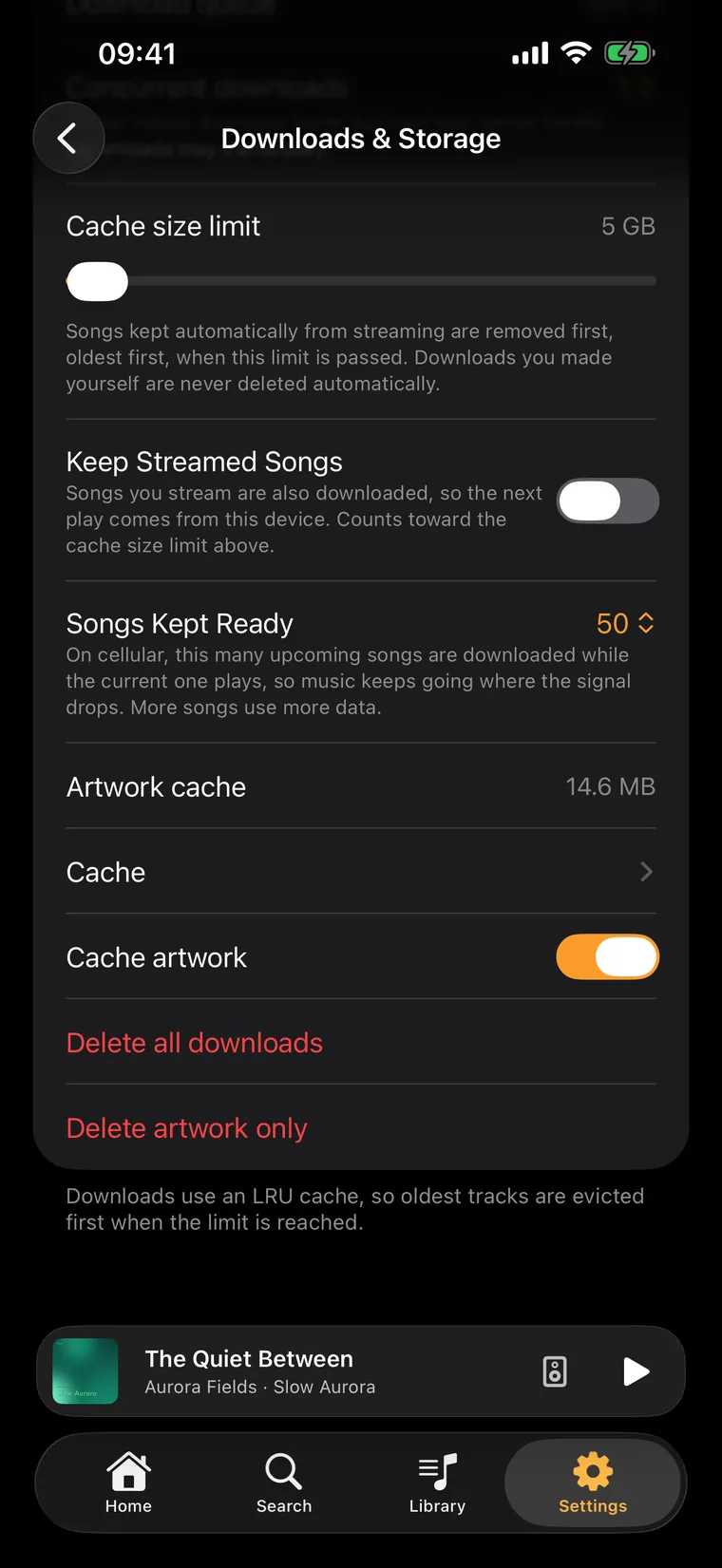
The highlighted row is Delete artwork only.
Screenshot from iPhone.
What it does
Cover art downloads again the next time you browse. Your music files are not touched.
How to change it
- Open Settings.
- Tap Downloads & Storage.
- Find Delete artwork only and change it.
Checked against the app on 21 November 2026.