Look up missing lyrics online
Finds lyrics on LRCLIB when your server has none for a song.
WhereSettings›Appearance & Language›Now Playing›Look up missing lyrics online
iPhoneiPadMacNot on Apple TVNot on Apple WatchDefault: Off
Where it is
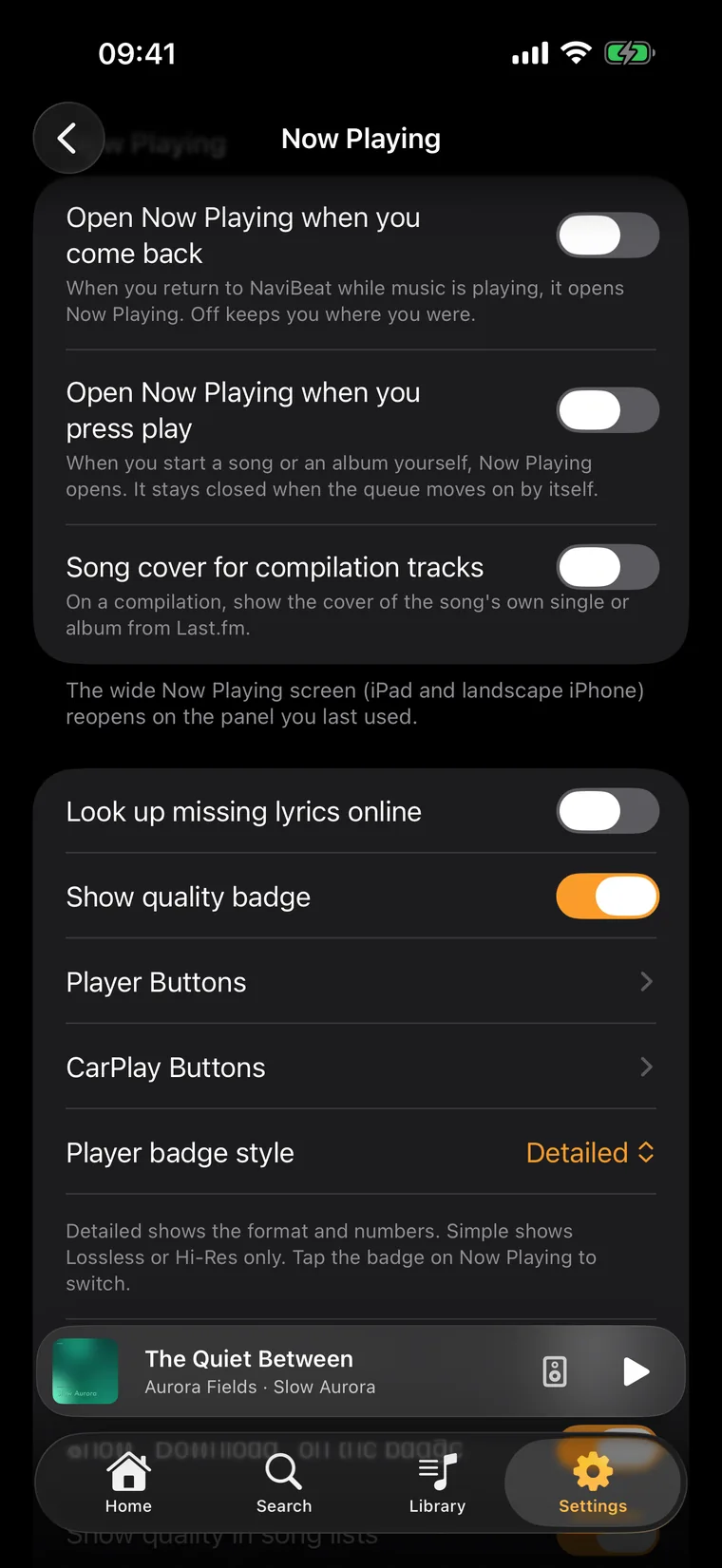
The highlighted row is Look up missing lyrics online.
Screenshot from iPhone.
What it does
When your Navidrome has no lyrics for the song playing, NaviBeat asks LRCLIB, a free public lyrics database, and shows synced lyrics when it finds them.
How to change it
- Open Settings.
- Tap Appearance & Language.
- Tap Now Playing.
- Find Look up missing lyrics online and change it.
Good to know
- With it off, NaviBeat only shows lyrics your server sends.
Checked against the app on 21 November 2026.