Active-line style
How the line being sung lights up in synced lyrics.
WhereSettings›Appearance & Language›Lyrics›Active-line style
iPhoneiPadMacApple TVNot on Apple Watch
Where it is
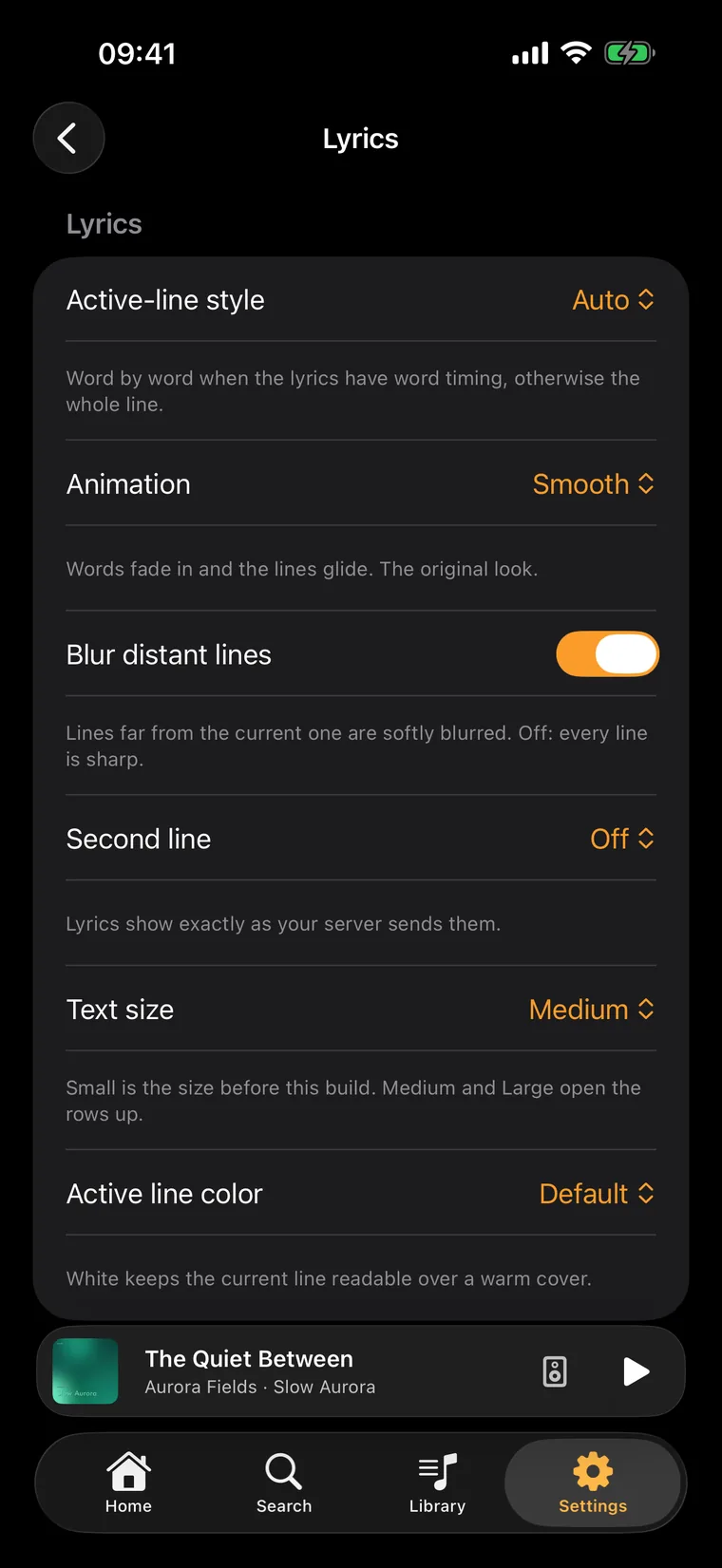
The highlighted row is Active-line style.
Screenshot from iPhone.
What it does
Pick how the active line is highlighted while a song plays.
How to change it
- Open Settings.
- Tap Appearance & Language.
- Tap Lyrics.
- Find Active-line style and change it.
Options
| Option | What it does | Default |
|---|---|---|
| Auto | Word by word when the lyrics have word timing, otherwise the whole line. | Yes |
| Word by word (karaoke) | Each word in the active line lights up as it is sung. | |
| Highlight whole line | The whole line lights up at once. Cleaner, less motion. |
Checked against the app on 21 November 2026.