Share Settings
Shares your NaviBeat settings with someone else as a link or a QR code.
WhereSettings›About›Share Settings
iPhoneiPadMacNot on Apple TVNot on Apple Watch
Where it is
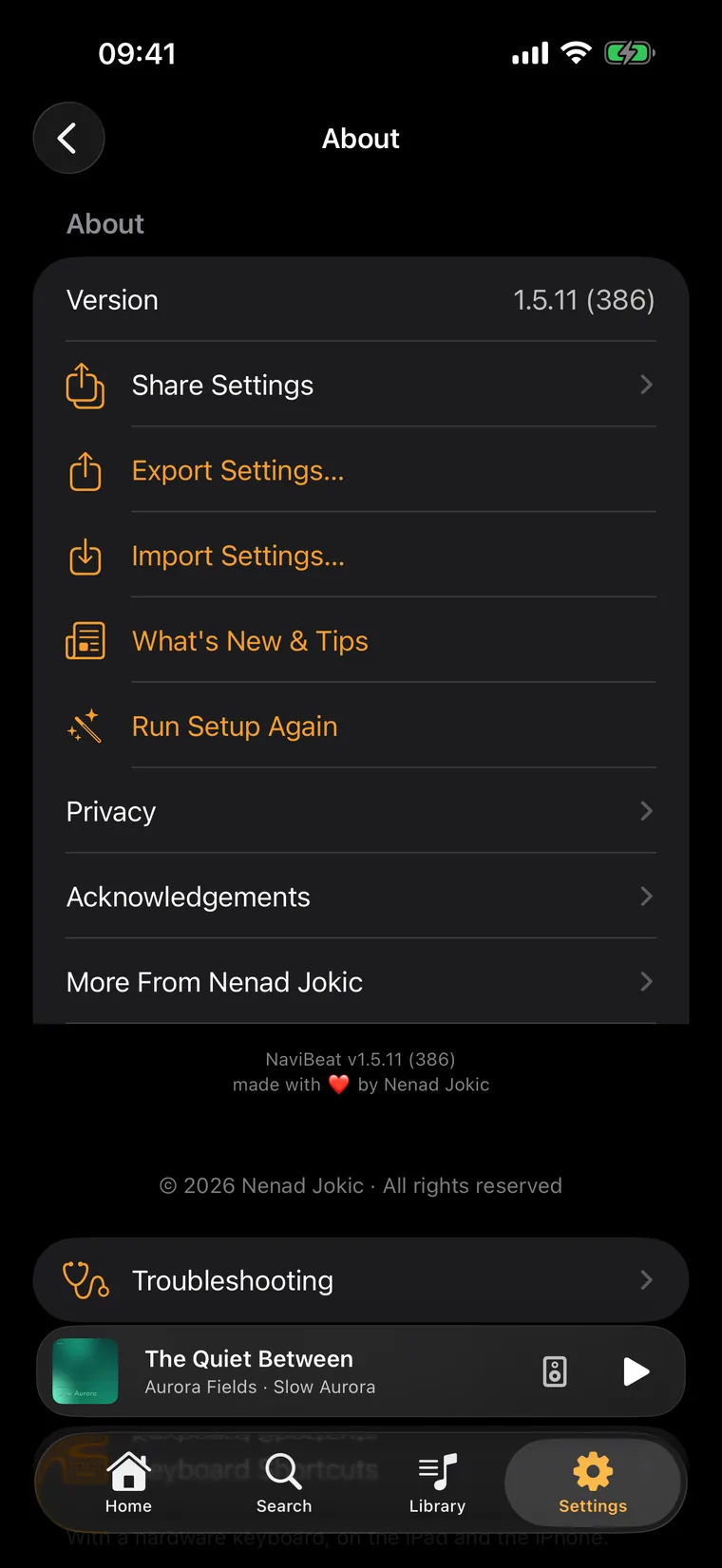
The highlighted row is Share Settings.
Screenshot from iPhone.
What it does
Pick the groups of settings to share. Send the link, or let the other person scan the code. NaviBeat opens it on iPhone, iPad and Mac, and they see every change before they apply it.
The link never carries your server address, account, password, Last.fm or ListenBrainz login, certificate or downloads.
How to change it
- Open Settings.
- Tap About.
- Find Share Settings and change it.
Checked against the app on 20 November 2026.