Accent Color
The highlight color for buttons, sliders and selections.
WhereSettings›Appearance & Language›Theme & Accent›Accent Color
iPhoneiPadMacNot on Apple TVNot on Apple WatchDefault: NaviBeat Amber
Where it is
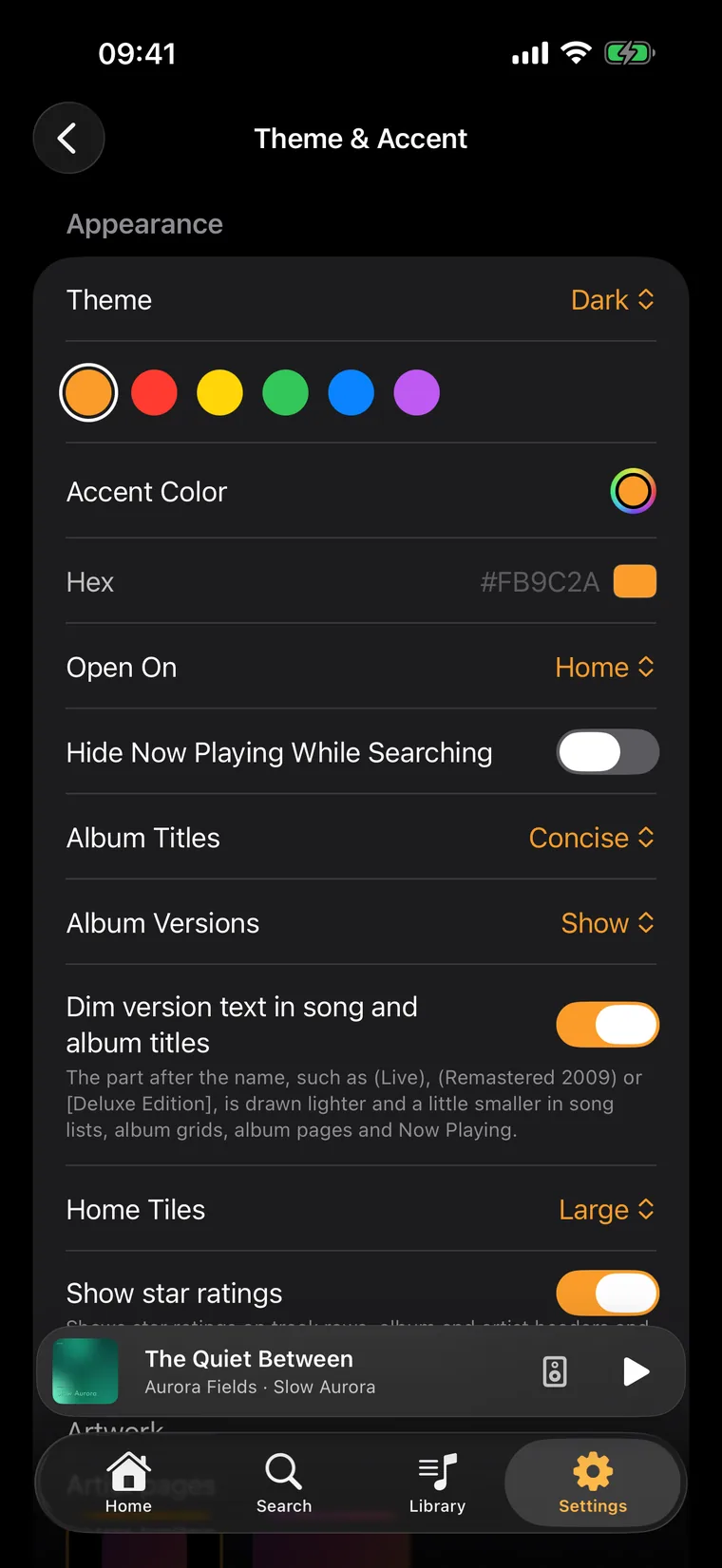
The highlighted row is Accent Color.
Screenshot from iPhone.
What it does
Pick a preset, choose any color, or type a hex code. Reset to NaviBeat Amber goes back to the default orange.
How to change it
- Open Settings.
- Tap Appearance & Language.
- Tap Theme & Accent.
- Find Accent Color and change it.
Checked against the app on 21 November 2026.