Stream quality
The quality NaviBeat asks your server for when it streams, one choice for Wi-Fi and one for cellular.
WhereSettings›Playback & Audio›Quality & Streaming›Stream quality
iPhoneiPadMacApple TVNot on Apple Watch
Where it is
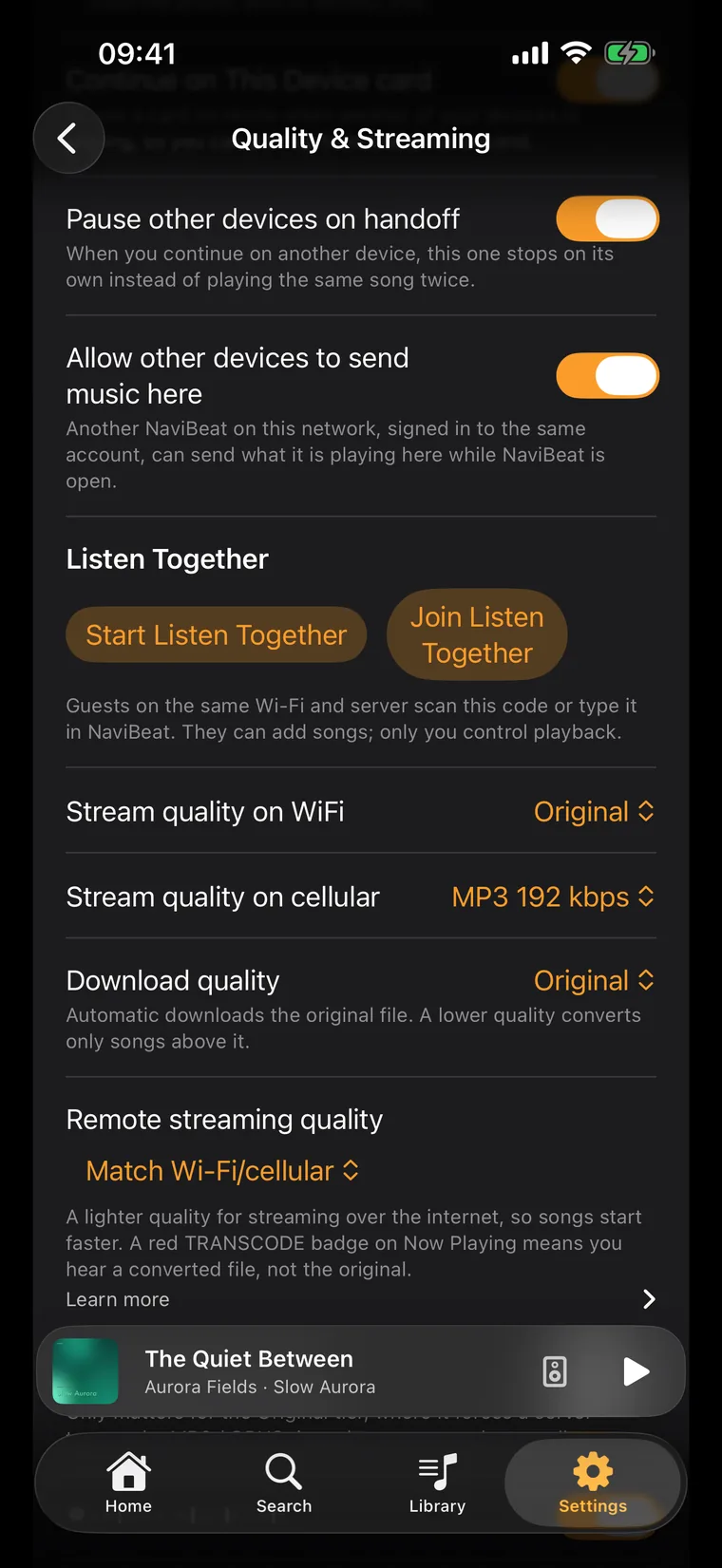
Screenshot from iPhone.
What it does
Stream quality on WiFi and Stream quality on cellular each pick a format and bitrate. Original streams the file as it is. The MP3, AAC and Opus tiers ask the server to convert the file, which saves data but is no longer the original.
How to change it
- Open Settings.
- Tap Playback & Audio.
- Tap Quality & Streaming.
- Find Stream quality and change it.
Options
| Option | What it does | Default |
|---|---|---|
| Stream quality on WiFi | Quality while on Wi-Fi. | Original |
| Stream quality on cellular | Quality while on mobile data. | MP3 192 kbps |
Good to know
- Tiers your server or the playback engine cannot deliver are greyed out, with the reason under the picker.
- A red TRANSCODE badge on Now Playing means you hear a converted file.
Checked against the app on 21 November 2026.