Player Buttons
Choose and order the buttons on the Now Playing screen.
WhereSettings›Appearance & Language›Now Playing›Player Buttons
iPhoneiPadMacNot on Apple TVNot on Apple Watch
Where it is
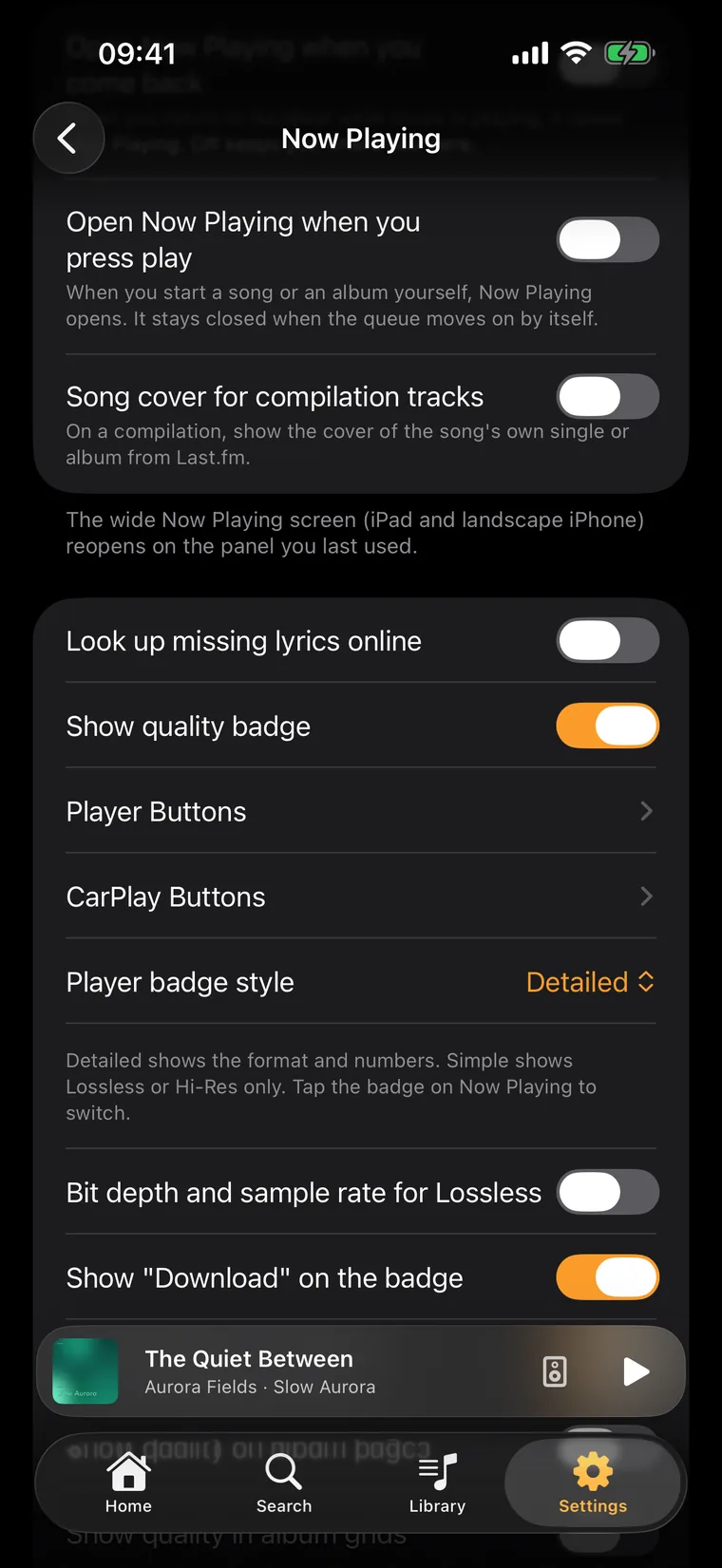
The highlighted row is Player Buttons.
Screenshot from iPhone.
What it does
Open Player Buttons to pick which extra buttons Now Playing shows, like shuffle, repeat, favorite or AutoMix, and drag them into the order you want.
How to change it
- Open Settings.
- Tap Appearance & Language.
- Tap Now Playing.
- Find Player Buttons and change it.
Checked against the app on 21 November 2026.