Prepare log
Collects what the recording channels wrote, ready to send.
WhereSettings›About›Troubleshooting›Prepare log
iPhoneiPadMacApple TVNot on Apple Watch
Where it is
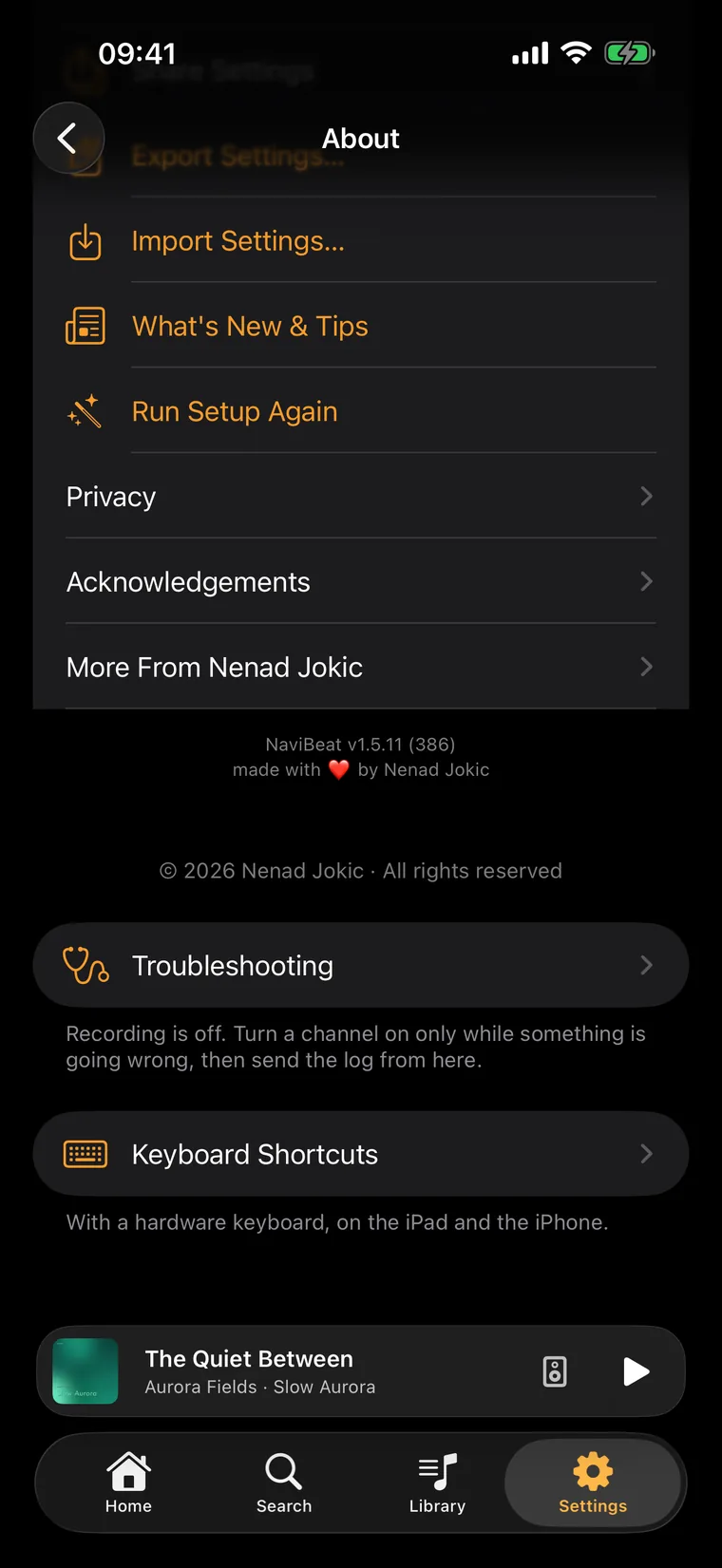
Screenshot from iPhone.
What it does
After Prepare log, NaviBeat shows how many lines are ready, and Send log appears.
How to change it
- Open Settings.
- Tap About.
- Tap Troubleshooting.
- Find Prepare log and change it.
Checked against the app on 20 November 2026.