Group classical works on album pages
Album pages gather a work's movements under one heading.
WhereSettings›Playback & Audio›Quality & Streaming›Group classical works on album pages
iPhoneiPadMacNot on Apple TVNot on Apple WatchDefault: On
Where it is
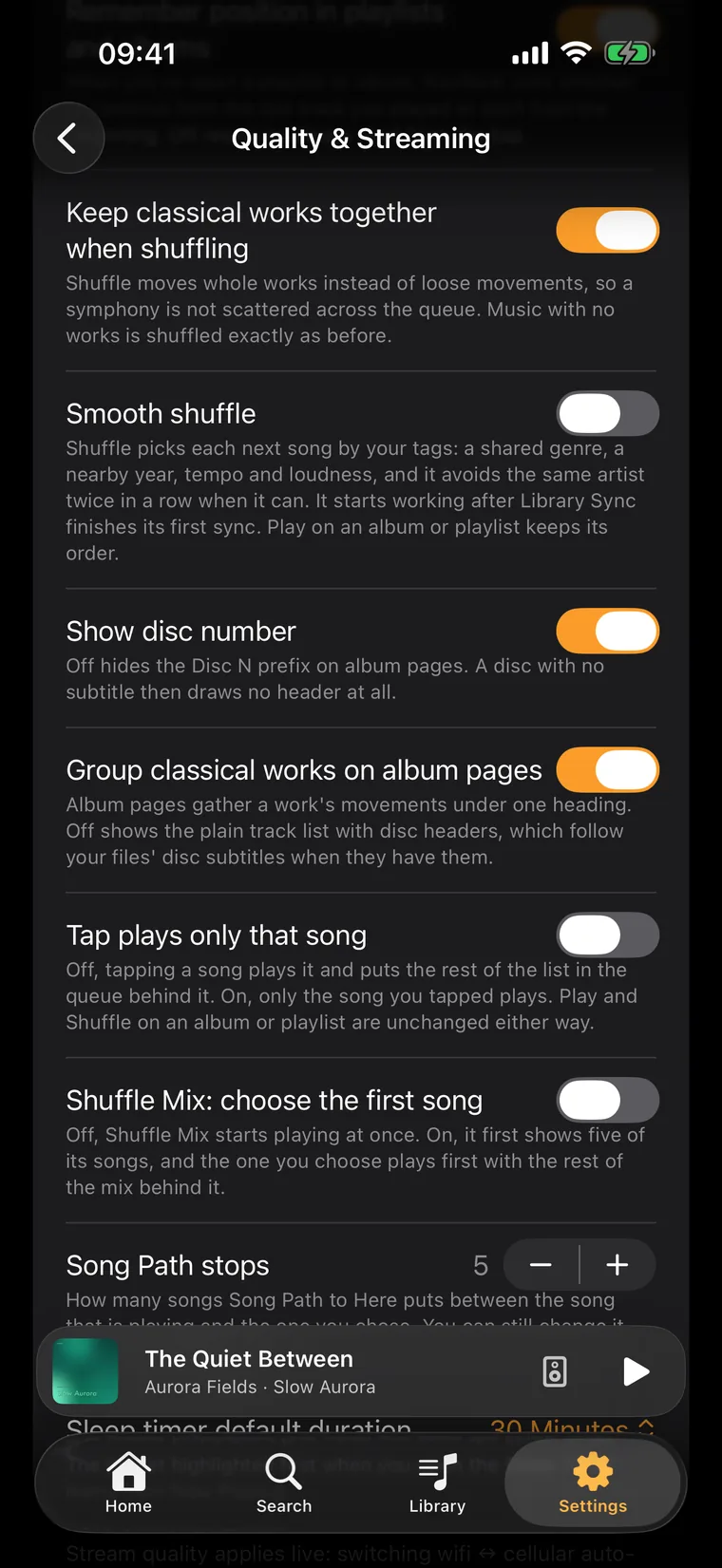
The highlighted row is Group classical works on album pages.
Screenshot from iPhone.
What it does
A classical album shows each work as a heading with its movements under it. Off shows the plain track list with disc headers, which follow your files' disc subtitles when they have them.
How to change it
- Open Settings.
- Tap Playback & Audio.
- Tap Quality & Streaming.
- Find Group classical works on album pages and change it.
Checked against the app on 21 November 2026.