Cover under the status bar
With a Filled Now Playing cover, the cover starts at the very top, under the clock.
WhereSettings›Appearance & Language›Theme & Accent›Cover under the status bar
iPhoneNot on iPadNot on MacNot on Apple TVNot on Apple WatchDefault: On
Where it is
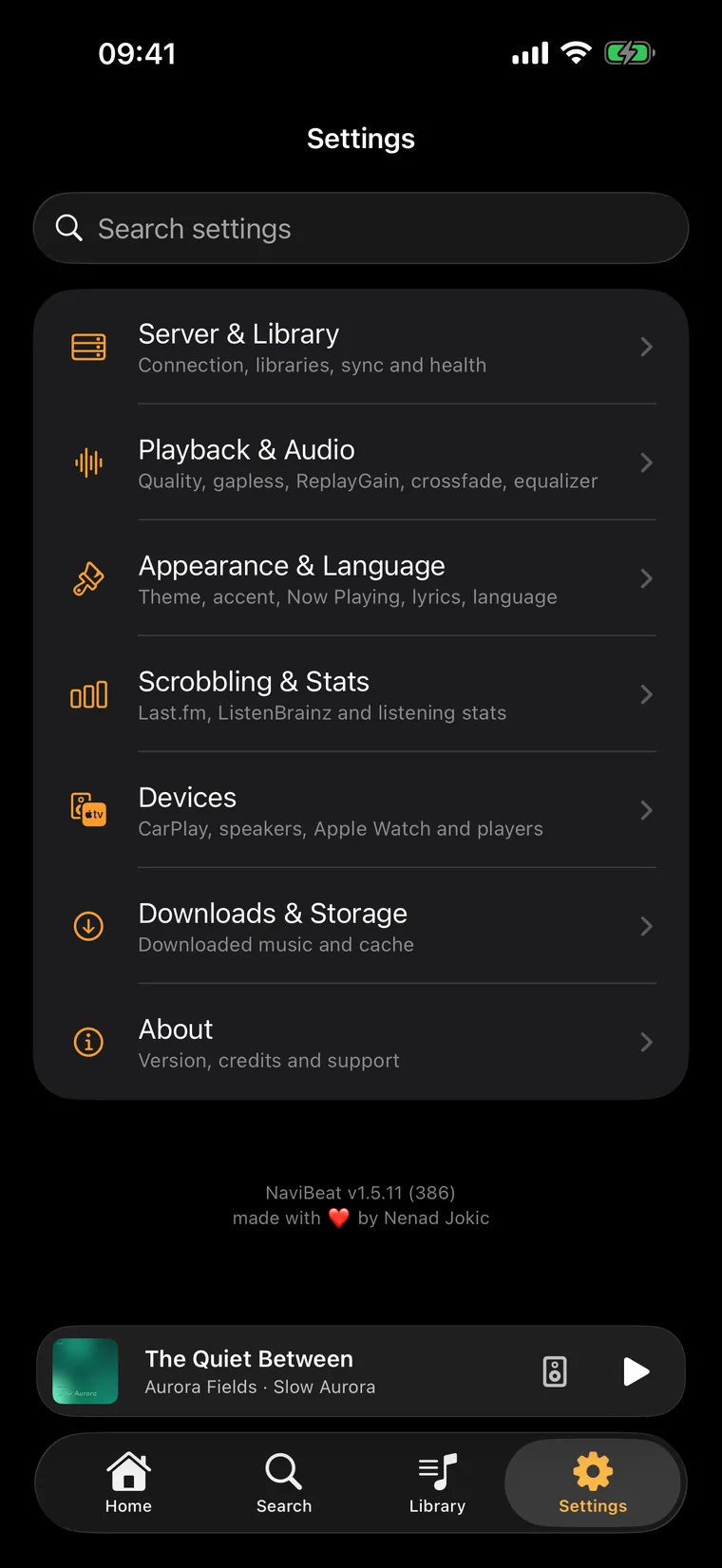
Screenshot from iPhone.
What it does
On, the cover runs up under the clock and battery. Off, it starts below them. Shown only when Now Playing is set to Filled.
How to change it
- Open Settings.
- Tap Appearance & Language.
- Tap Theme & Accent.
- Find Cover under the status bar and change it.
Checked against the app on 21 November 2026.