Show streaming source badges
Marks music that an octo-fiesta server brings in from a streaming service.
WhereSettings›Appearance & Language›Artists & Albums›Show streaming source badges
iPhoneiPadMacApple TVNot on Apple WatchDefault: On
Where it is
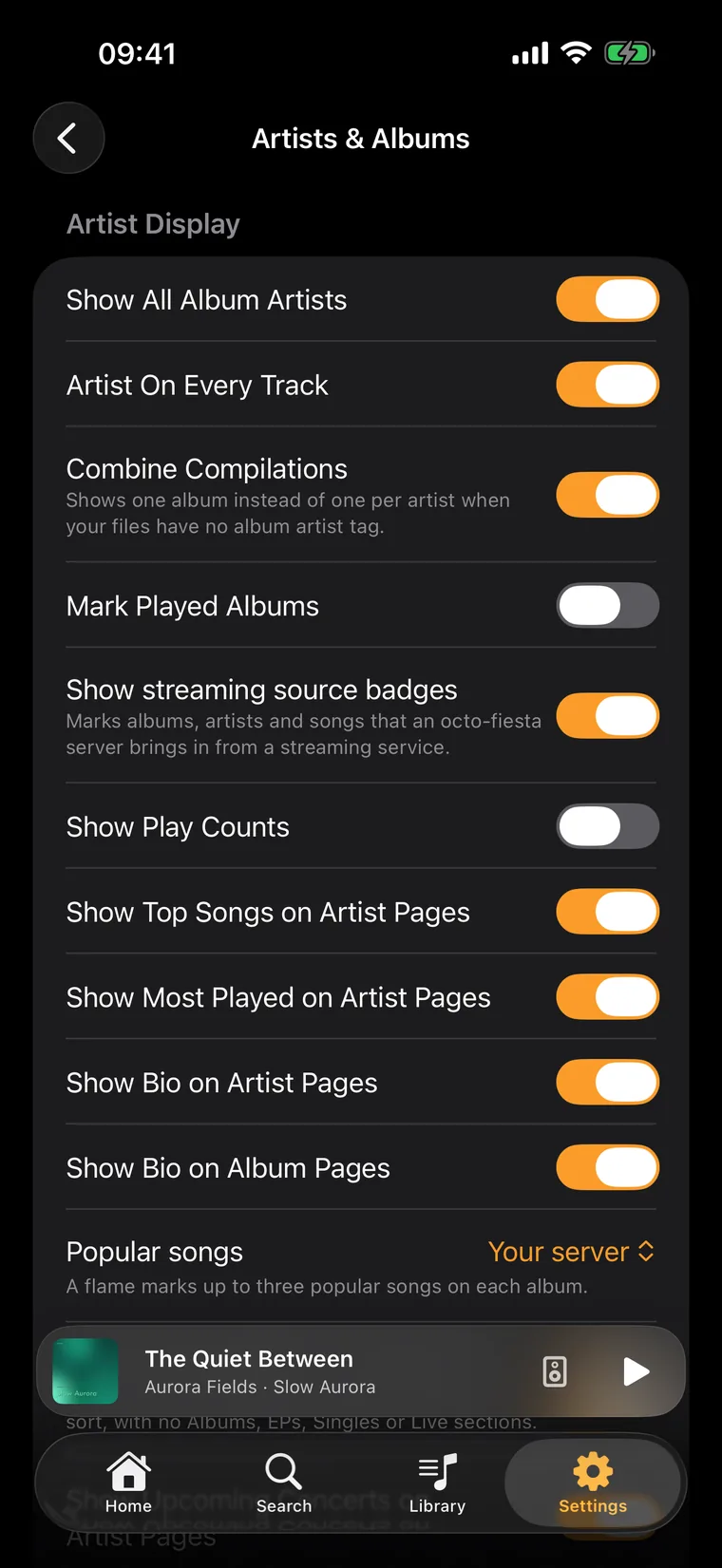
The highlighted row is Show streaming source badges.
Screenshot from iPhone.
What it does
If your server uses octo-fiesta to add music from a streaming service, those albums, artists and songs get a small badge, so you can tell them from your own files.
How to change it
- Open Settings.
- Tap Appearance & Language.
- Tap Artists & Albums.
- Find Show streaming source badges and change it.
Checked against the app on 21 November 2026.