Pause during navigation prompts
Pauses music while a navigation app speaks, then resumes a couple of seconds back.
WhereSettings›Playback & Audio›Quality & Streaming›Pause during navigation prompts
iPhoneiPadNot on MacNot on Apple TVNot on Apple WatchDefault: On
Where it is
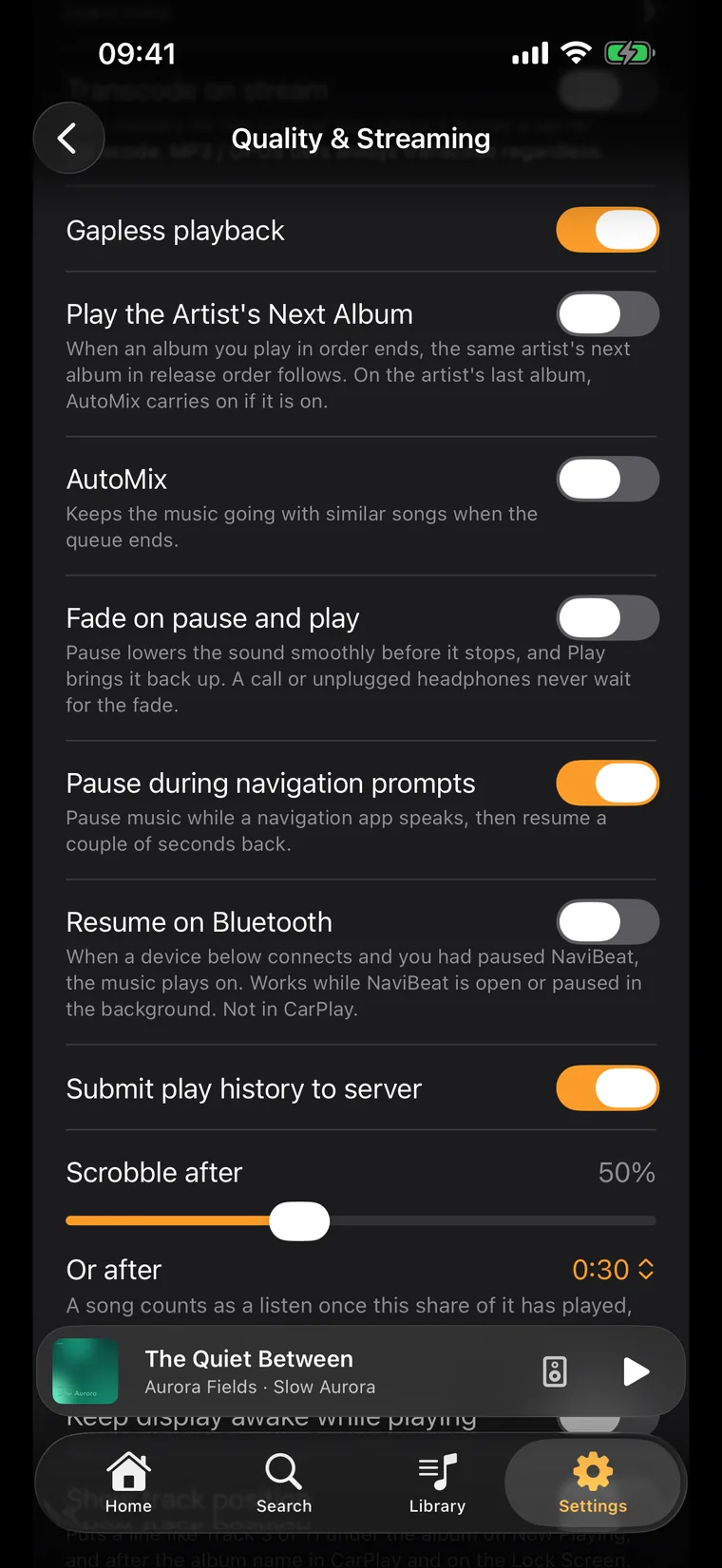
The highlighted row is Pause during navigation prompts.
Screenshot from iPhone.
What it does
When Apple Maps, Google Maps or another navigation app gives a spoken direction, NaviBeat pauses, then resumes a couple of seconds before where it stopped, so you do not miss a line.
How to change it
- Open Settings.
- Tap Playback & Audio.
- Tap Quality & Streaming.
- Find Pause during navigation prompts and change it.
Checked against the app on 21 November 2026.