Resume on Bluetooth
Starts the music again when your headphones or speaker connect.
WhereSettings›Playback & Audio›Quality & Streaming›Resume on Bluetooth
iPhoneiPadNot on MacNot on Apple TVNot on Apple WatchDefault: Off
Where it is
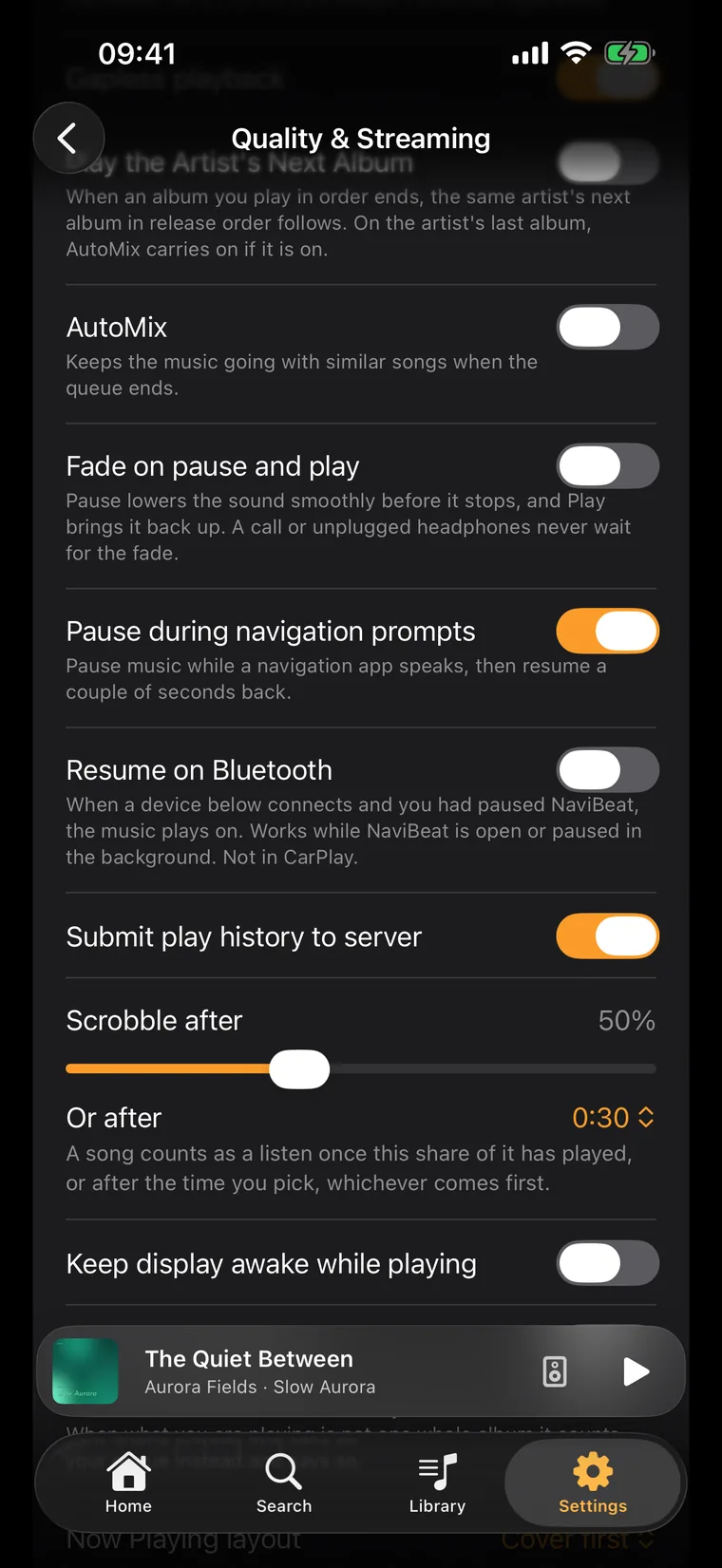
The highlighted row is Resume on Bluetooth.
Screenshot from iPhone.
What it does
Pick the Bluetooth devices you want below the switch. When one of them connects and you had paused NaviBeat, the music plays on.
It works while NaviBeat is open or paused in the background. It does not work in CarPlay.
How to change it
- Open Settings.
- Tap Playback & Audio.
- Tap Quality & Streaming.
- Find Resume on Bluetooth and change it.
Good to know
- When NaviBeat is fully closed, iOS will not start it by itself. See Resume with Shortcuts for that case.
Checked against the app on 20 November 2026.