Hide Now Playing While Searching
Hides the mini player while you type a search, so the results get more room.
WhereSettings›Appearance & Language›Theme & Accent›Hide Now Playing While Searching
iPhoneiPadNot on MacNot on Apple TVNot on Apple WatchDefault: Off
Where it is
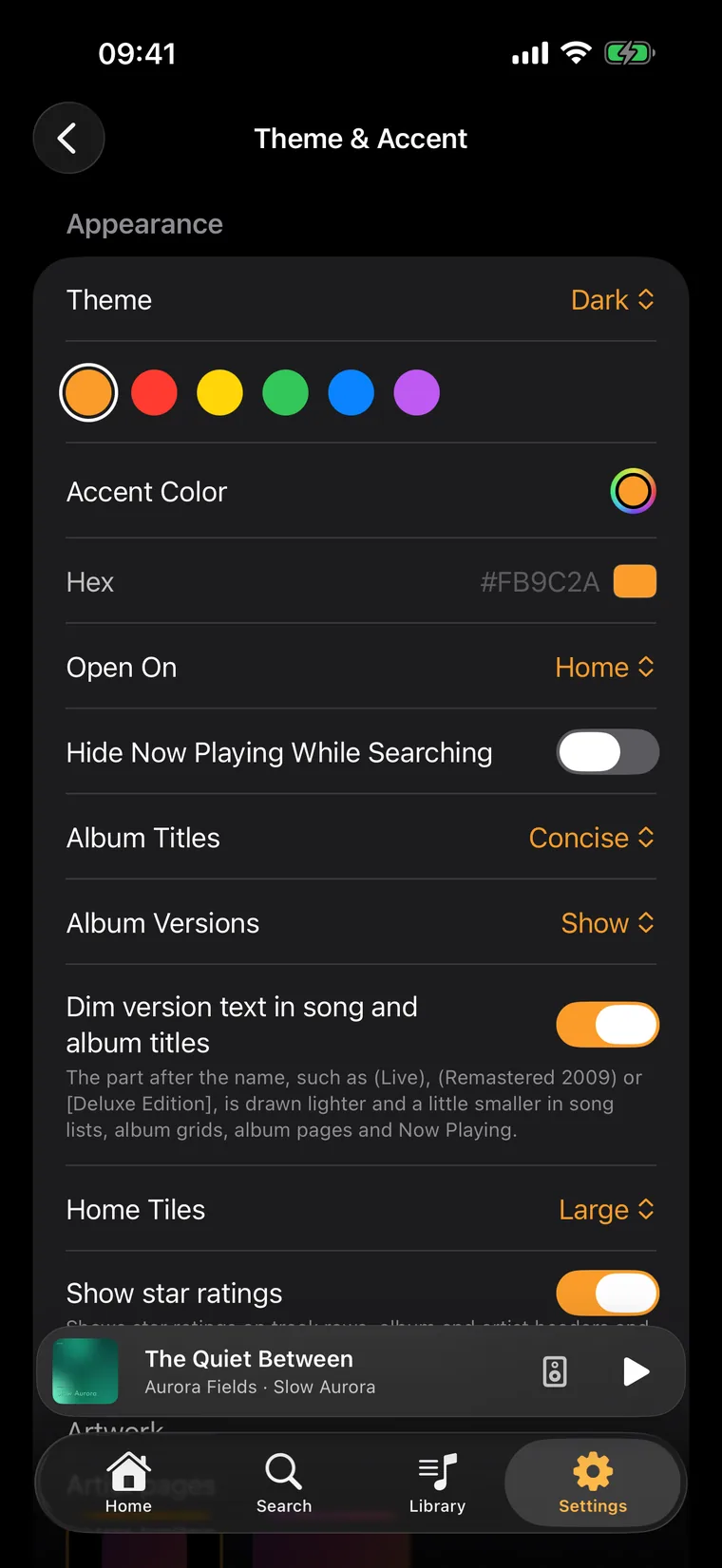
The highlighted row is Hide Now Playing While Searching.
Screenshot from iPhone.
What it does
The mini player comes back as soon as you leave the search.
How to change it
- Open Settings.
- Tap Appearance & Language.
- Tap Theme & Accent.
- Find Hide Now Playing While Searching and change it.
Checked against the app on 21 November 2026.