Never start playing when the car connects
Stops your car from starting NaviBeat by itself when CarPlay connects.
WhereSettings›Devices›Never start playing when the car connects
iPhoneiPadNot on MacNot on Apple TVNot on Apple WatchDefault: Off
Where it is
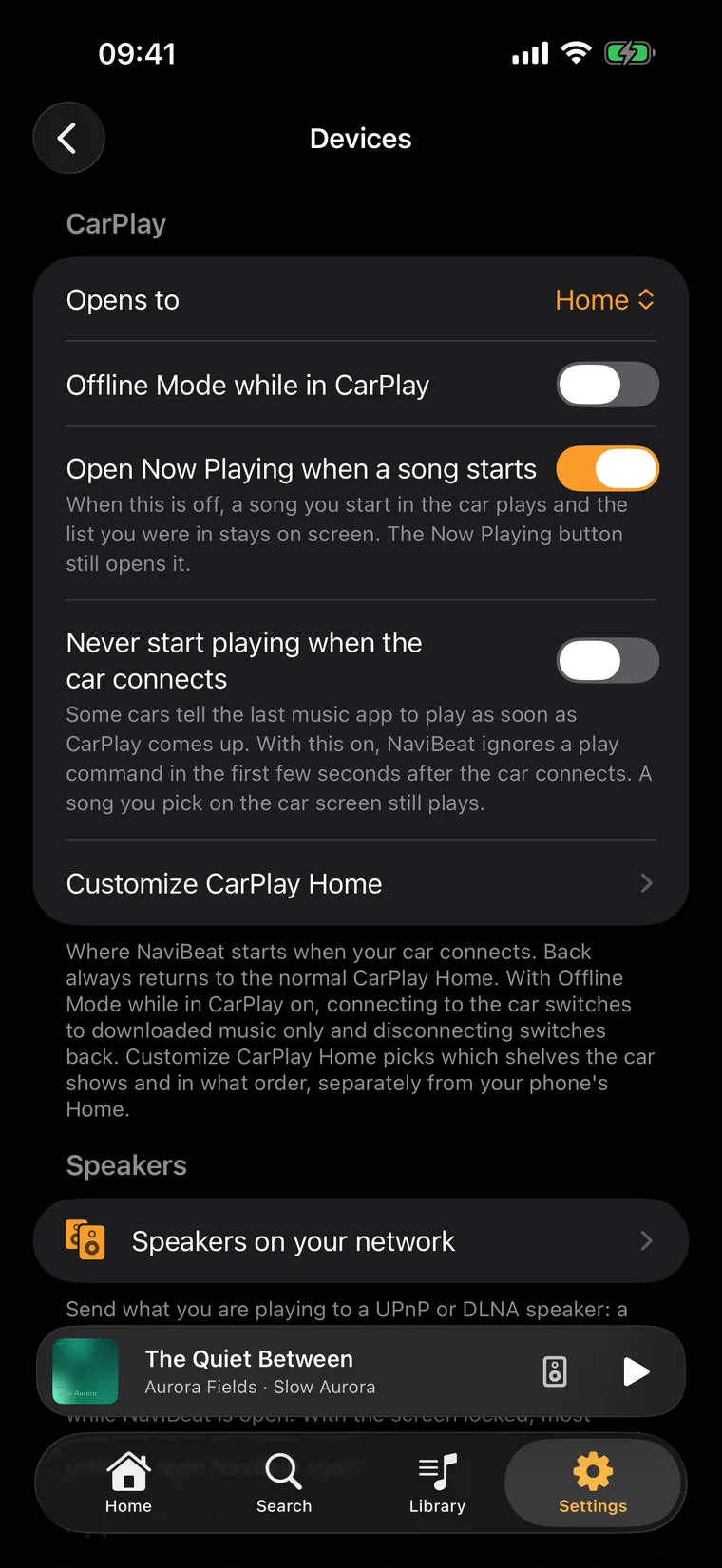
The highlighted row is Never start playing when the car connects.
Screenshot from iPhone.
What it does
Some cars tell the last music app to play as soon as CarPlay comes up. With this on, NaviBeat ignores a play command in the first few seconds after the car connects. A song you pick on the car screen still plays.
How to change it
- Open Settings.
- Tap Devices.
- Find Never start playing when the car connects and change it.
Checked against the app on 21 November 2026.