Player badge style
How much the quality badge on Now Playing says.
WhereSettings›Appearance & Language›Now Playing›Player badge style
iPhoneiPadMacNot on Apple TVNot on Apple Watch
Where it is
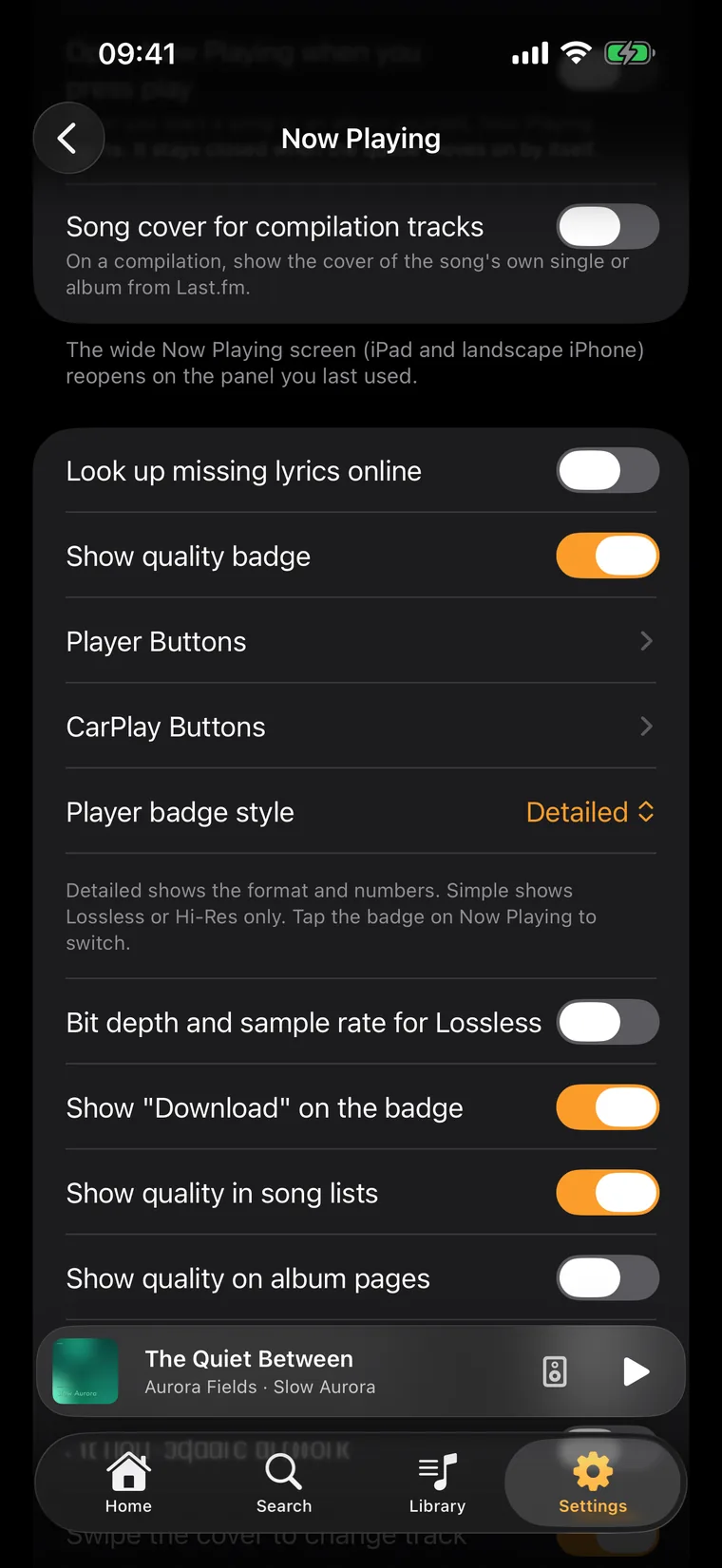
The highlighted row is Player badge style.
Screenshot from iPhone.
What it does
Tap the badge on Now Playing to switch between the two styles at any time.
How to change it
- Open Settings.
- Tap Appearance & Language.
- Tap Now Playing.
- Find Player badge style and change it.
Options
| Option | What it does | Default |
|---|---|---|
| Detailed | Shows the format and the numbers. | Yes |
| Simple | Shows only Lossless or Hi-Res. |
Checked against the app on 21 November 2026.