Connect and Send to
The Troubleshooting channel for playing on and controlling your other NaviBeat devices.
WhereSettings›About›Troubleshooting›Connect and Send to
iPhoneiPadMacApple TVNot on Apple Watch
Where it is
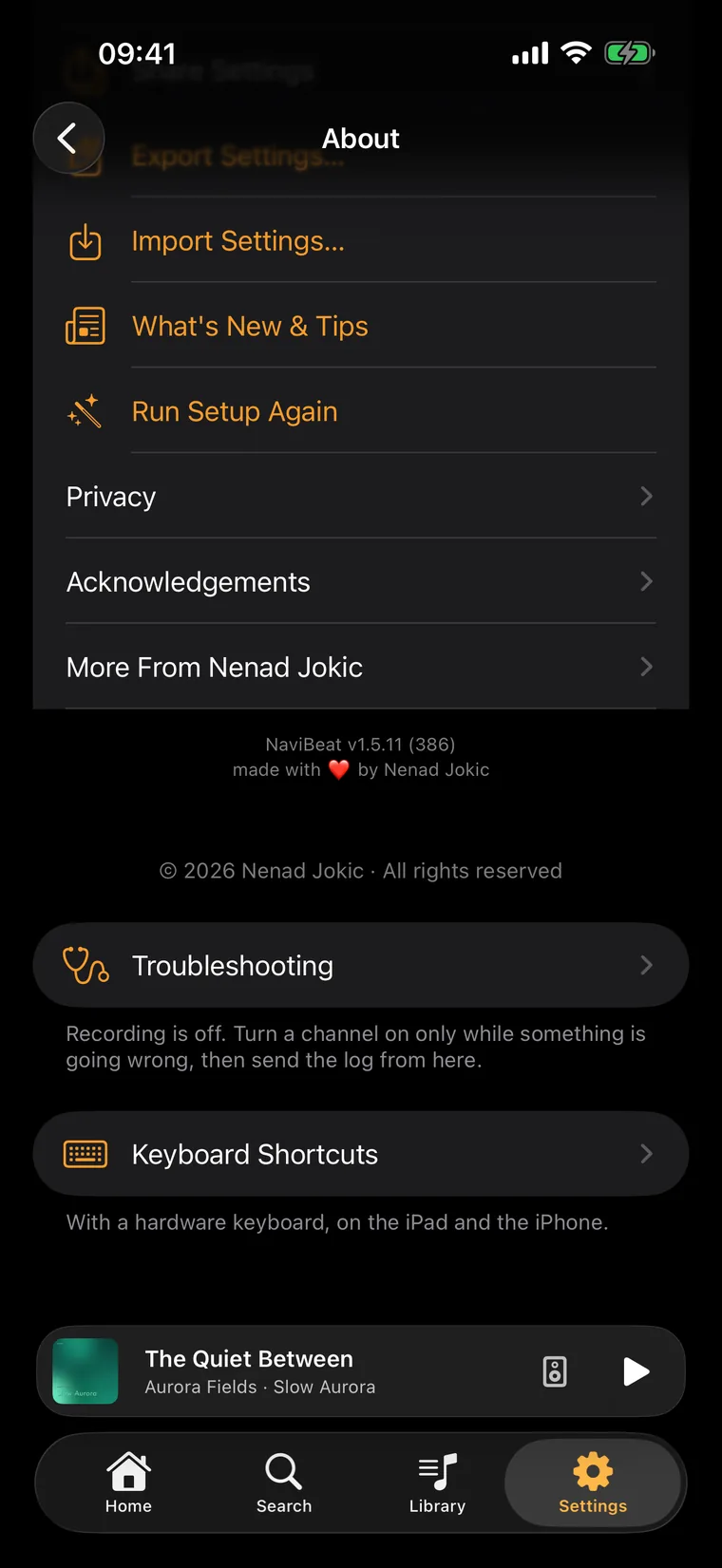
Screenshot from iPhone.
What it does
Turn it on when handoff, the Continue card or sending music to another device does not work, then prepare and send the log.
How to change it
- Open Settings.
- Tap About.
- Tap Troubleshooting.
- Find Connect and Send to and change it.
Checked against the app on 20 November 2026.