Show disc number
Shows Disc 1, Disc 2 and so on above each disc on album pages.
WhereSettings›Playback & Audio›Quality & Streaming›Show disc number
iPhoneiPadMacApple TVNot on Apple WatchDefault: On
Where it is
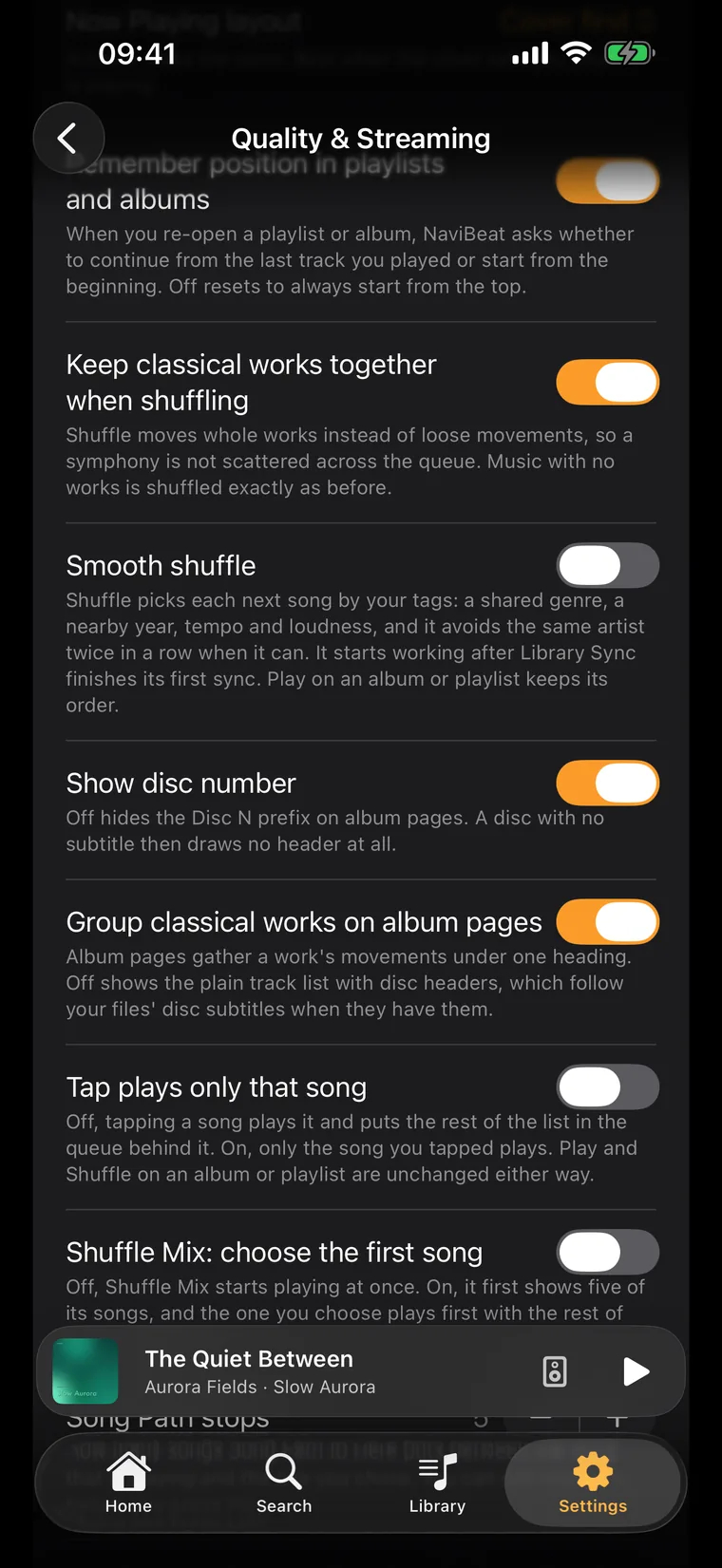
The highlighted row is Show disc number.
Screenshot from iPhone.
What it does
Off hides the Disc N label on album pages. A disc with no subtitle then has no header at all.
How to change it
- Open Settings.
- Tap Playback & Audio.
- Tap Quality & Streaming.
- Find Show disc number and change it.
Checked against the app on 21 November 2026.