Group playlists into folders
Shows playlists in folders, using a separator in their names.
WhereSettings›Server & Library›Group playlists into folders
iPhoneiPadMacNot on Apple TVNot on Apple WatchDefault: Off, separator /
Where it is
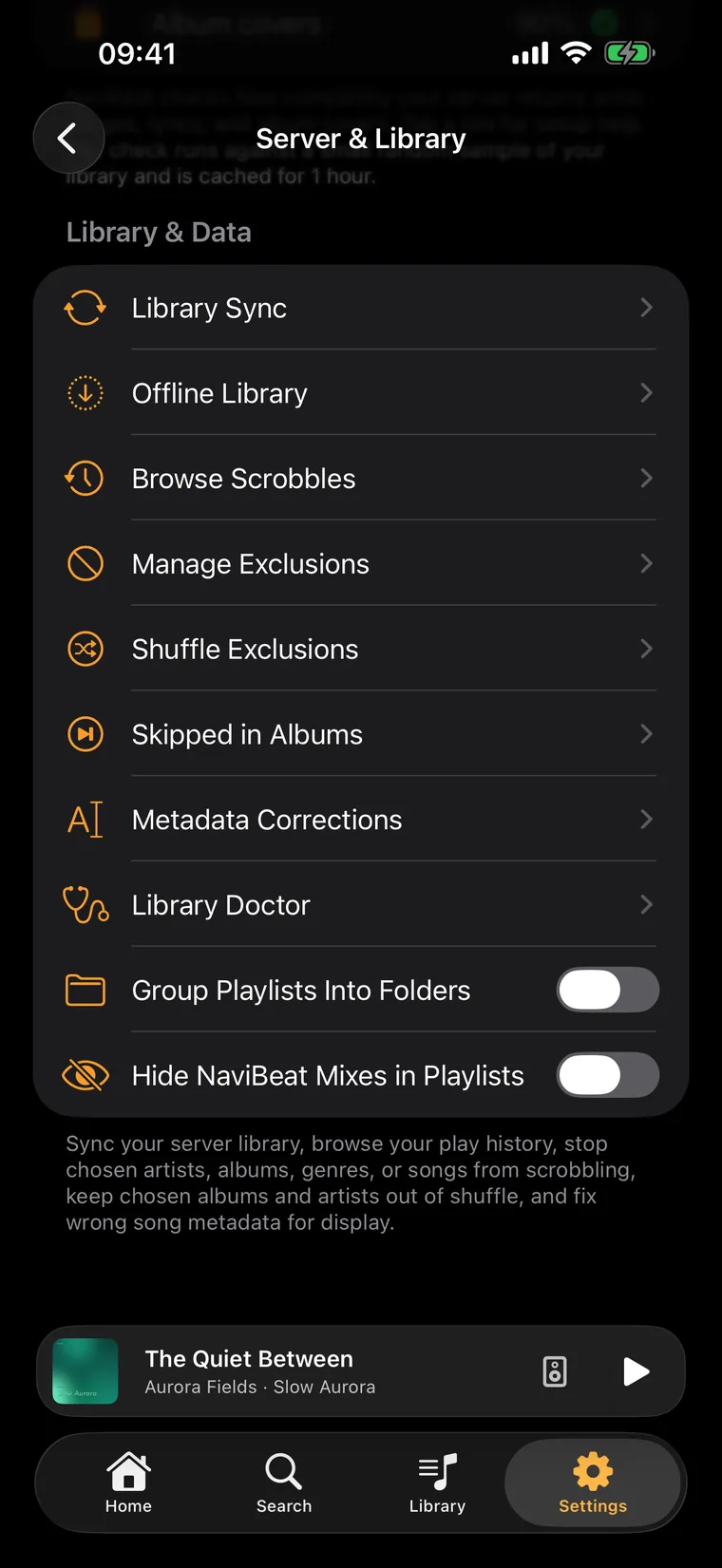
Screenshot from iPhone.
What it does
A playlist named Mixes/Summer appears as Summer inside a folder called Mixes. Use the separator more than once for folders inside folders.
Pick a separator your playlist names do not already use.
How to change it
- Open Settings.
- Tap Server & Library.
- Find Group playlists into folders and change it.
Checked against the app on 21 November 2026.