Track artwork on radio
Shows the cover of the song a radio station is playing, instead of only the station logo.
WhereSettings›Appearance & Language›Now Playing›Track artwork on radio
iPhoneiPadMacApple TVNot on Apple WatchDefault: On
Where it is
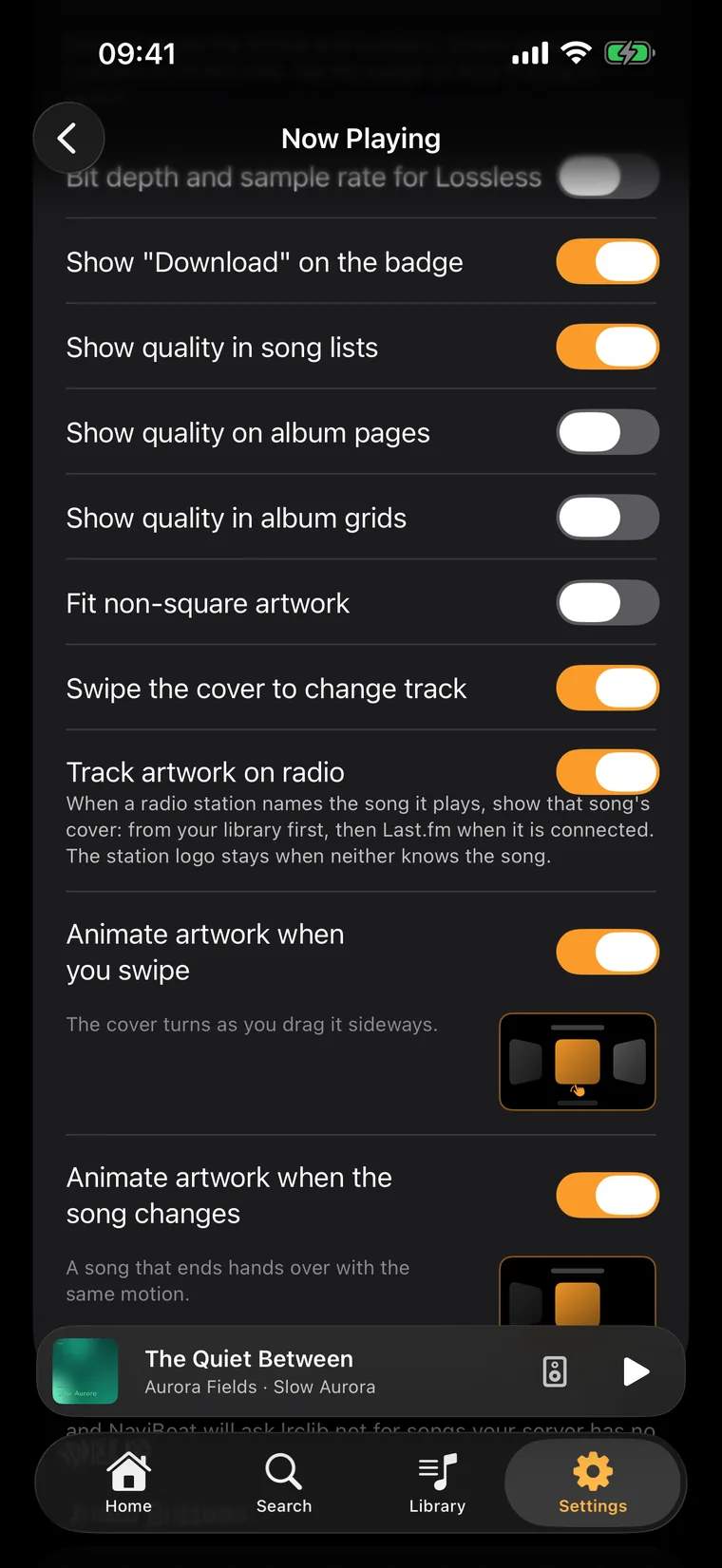
The highlighted row is Track artwork on radio.
Screenshot from iPhone.
What it does
When a radio station names the song it plays, NaviBeat shows that song's cover: from your library first, then Last.fm when it is connected. The station logo stays when neither knows the song.
How to change it
- Open Settings.
- Tap Appearance & Language.
- Tap Now Playing.
- Find Track artwork on radio and change it.
Checked against the app on 21 November 2026.