Shuffle Mix: choose the first song
Shuffle Mix first shows you five songs, and the one you pick plays first.
WhereSettings›Playback & Audio›Quality & Streaming›Shuffle Mix: choose the first song
iPhoneiPadMacApple TVNot on Apple WatchDefault: Off
Where it is
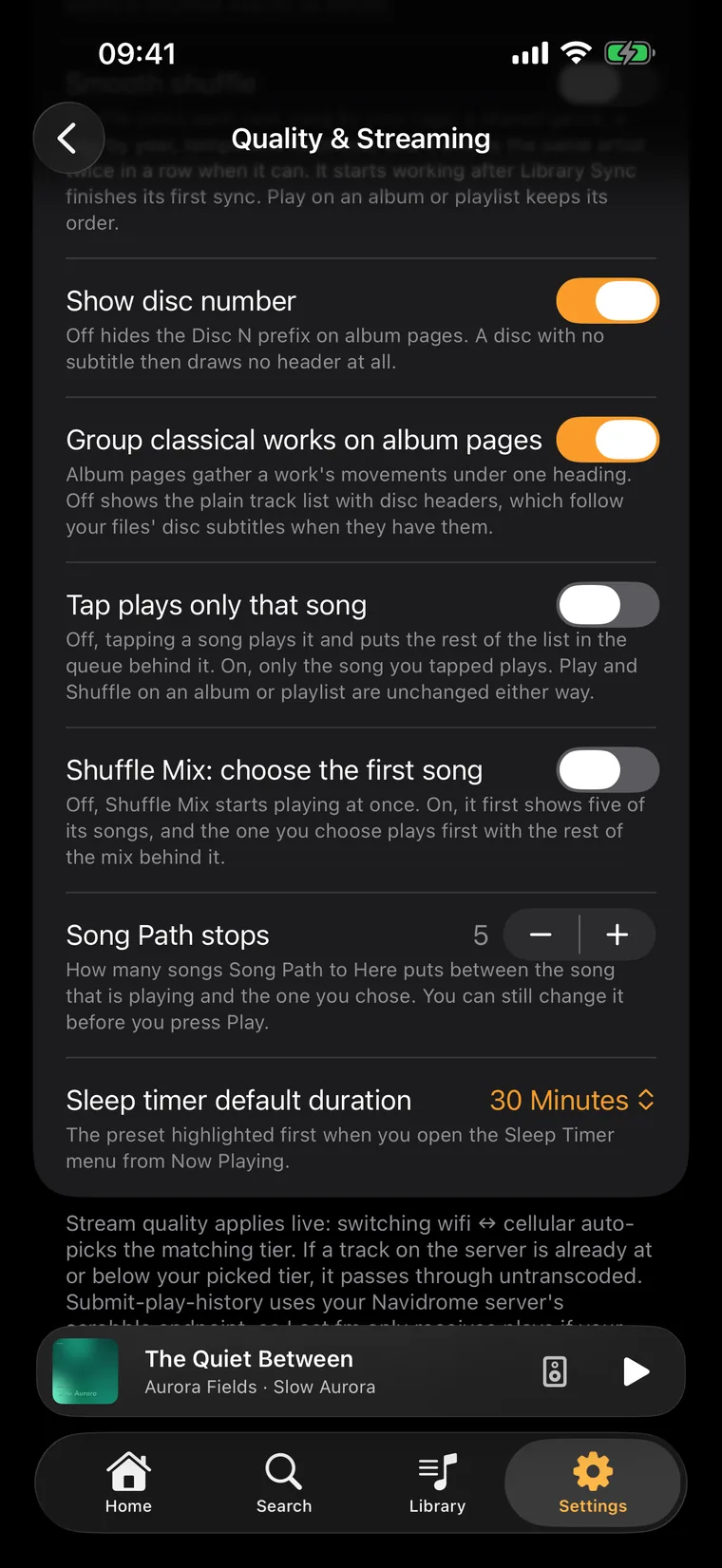
The highlighted row is Shuffle Mix: choose the first song.
Screenshot from iPhone.
What it does
Off, Shuffle Mix starts playing at once. On, it shows five of its songs first. The one you choose plays first, with the rest of the mix behind it.
How to change it
- Open Settings.
- Tap Playback & Audio.
- Tap Quality & Streaming.
- Find Shuffle Mix: choose the first song and change it.
Checked against the app on 21 November 2026.