Sync Settings
Keeps your NaviBeat settings the same on all your Apple devices, through iCloud.
WhereSettings›Appearance & Language›Language›Sync Settings
iPhoneiPadMacApple TVNot on Apple WatchDefault: On
Where it is
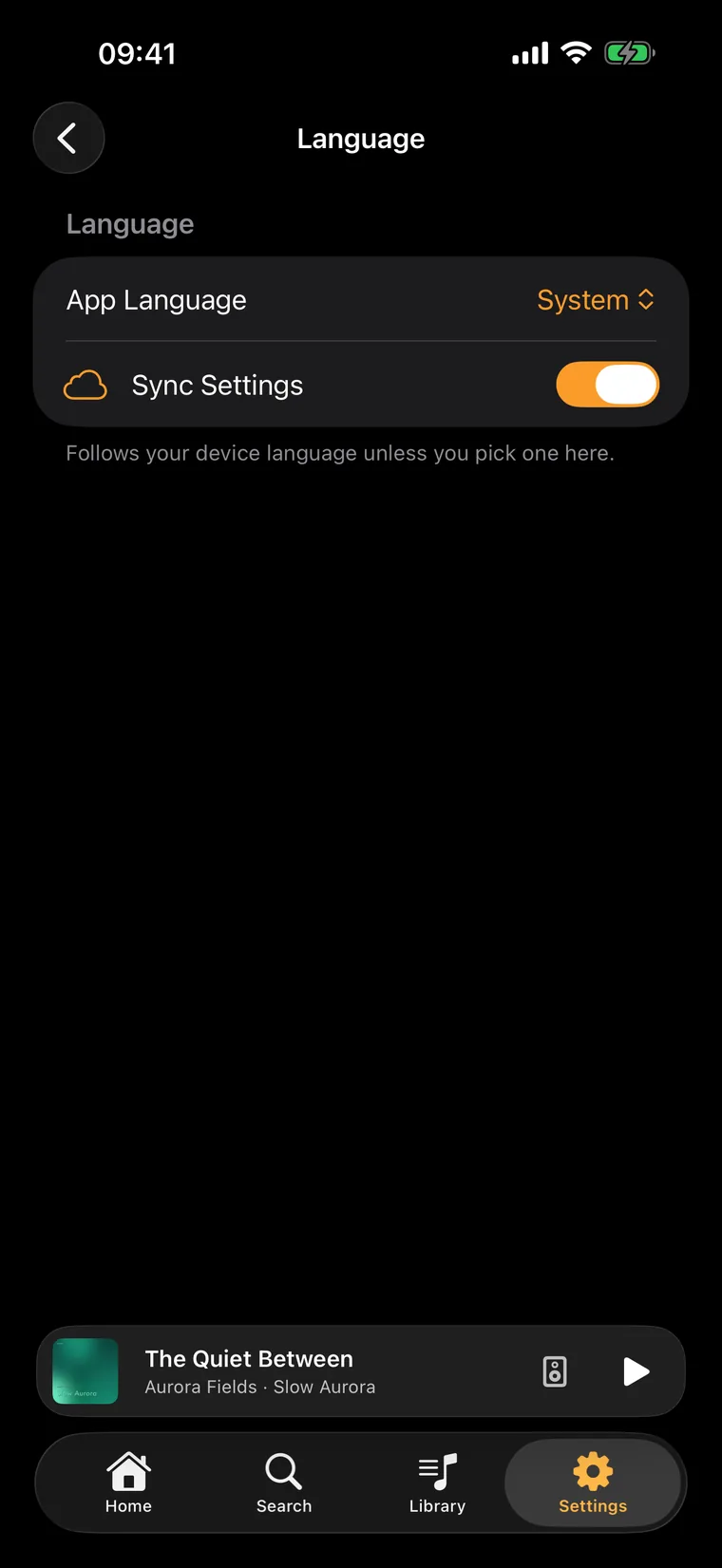
The highlighted row is Sync Settings.
Screenshot from iPhone.
What it does
Change a setting on one device and your other devices signed in to the same Apple Account get it too. If two devices change the same setting, the newest change wins.
A new device takes the settings that are already in iCloud, instead of pushing its own defaults over them.
How to change it
- Open Settings.
- Tap Appearance & Language.
- Tap Language.
- Find Sync Settings and change it.
Good to know
- Turn it off on one device to keep that device as it is.
Checked against the app on 21 November 2026.