Sleep timer default
The sleep timer choice that is picked first when you open the Sleep Timer menu.
WhereSettings›Playback & Audio›Quality & Streaming›Sleep timer default
iPhoneiPadMacNot on Apple TVNot on Apple WatchDefault: 30 Minutes
Where it is
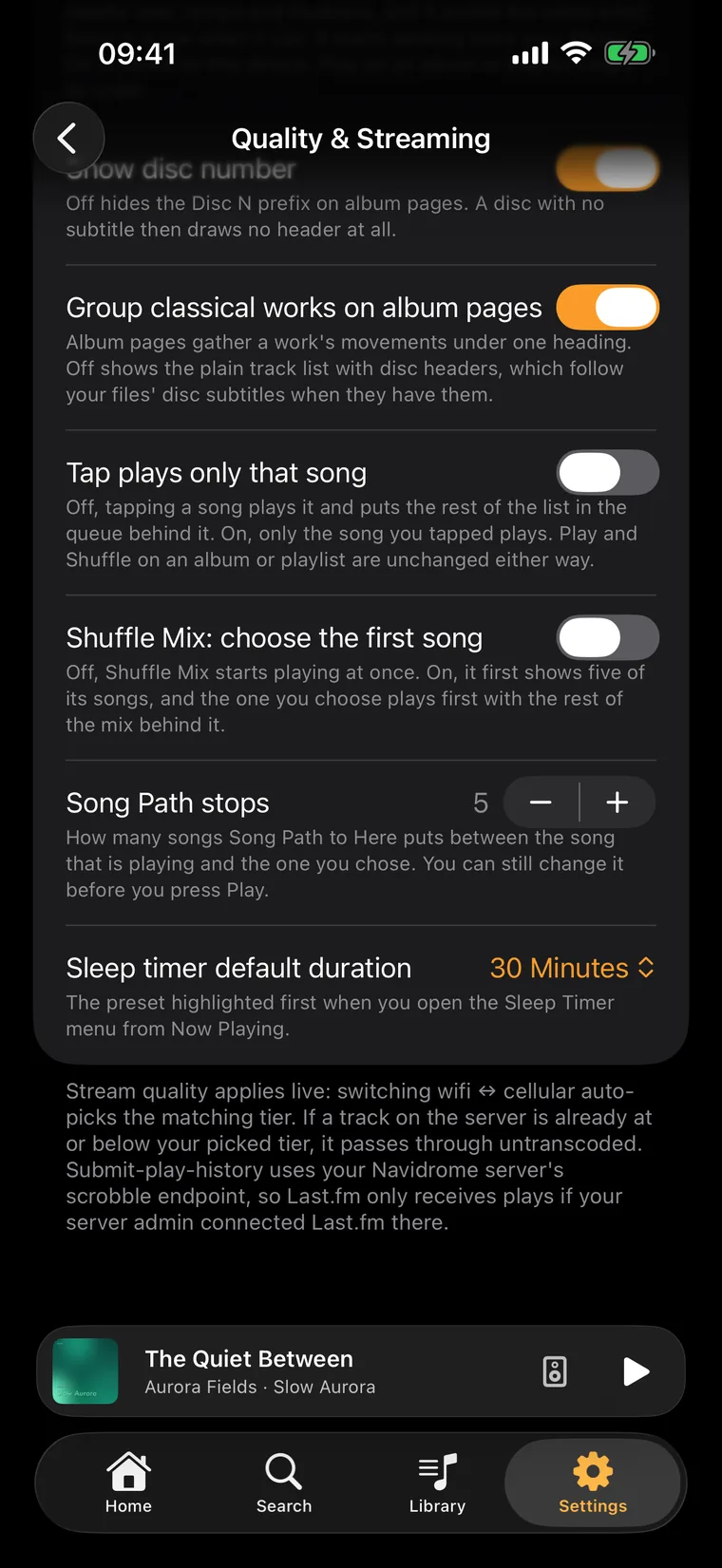
Screenshot from iPhone.
What it does
Open the Sleep Timer from Now Playing and this preset is highlighted first. Choices go from End of Track and 5 minutes up to 4 hours.
How to change it
- Open Settings.
- Tap Playback & Audio.
- Tap Quality & Streaming.
- Find Sleep timer default and change it.
Checked against the app on 21 November 2026.