Set Up Apple TV
Signs your Apple TV in to your server from your iPhone, without typing on the TV.
WhereSettings›Server & Library›Set Up Apple TV
iPhoneiPadNot on MacNot on Apple TVNot on Apple Watch
Where it is
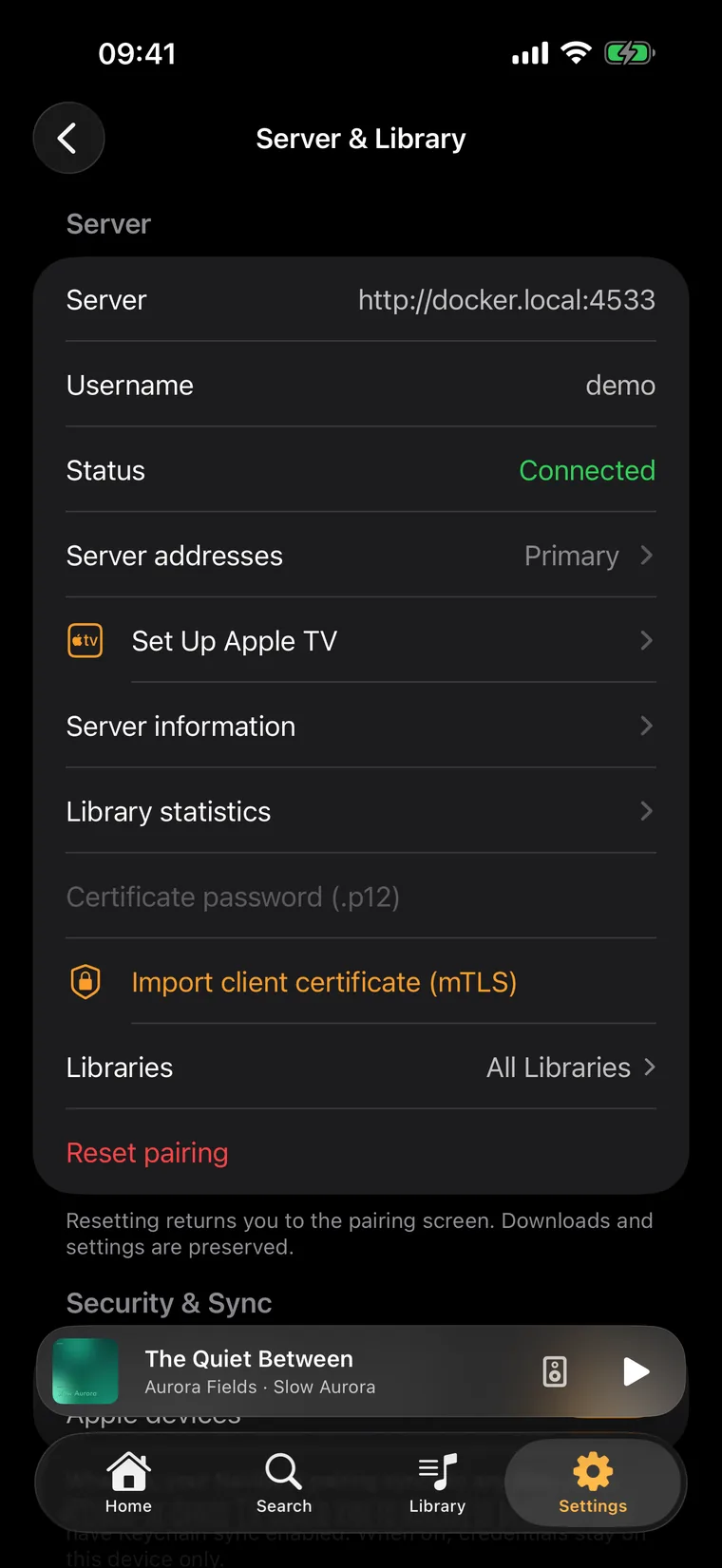
The highlighted row is Set Up Apple TV.
Screenshot from iPhone.
How to change it
- On the Apple TV, open NaviBeat and choose Add from iPhone. It shows a code.
- On the iPhone, open Settings, tap Server & Library, then Set Up Apple TV.
- Pick the Apple TV and send the code. The Apple TV signs in.
Good to know
- Both devices must be on the same Wi-Fi.
- If the Apple TV does not answer, keep its Add from iPhone screen open and try again.
Checked against the app on 20 November 2026.