Keep Streamed Songs
Saves songs you stream, so the next play comes from this device.
WhereSettings›Downloads & Storage›Keep Streamed Songs
iPhoneiPadMacNot on Apple TVNot on Apple WatchDefault: Off
Where it is
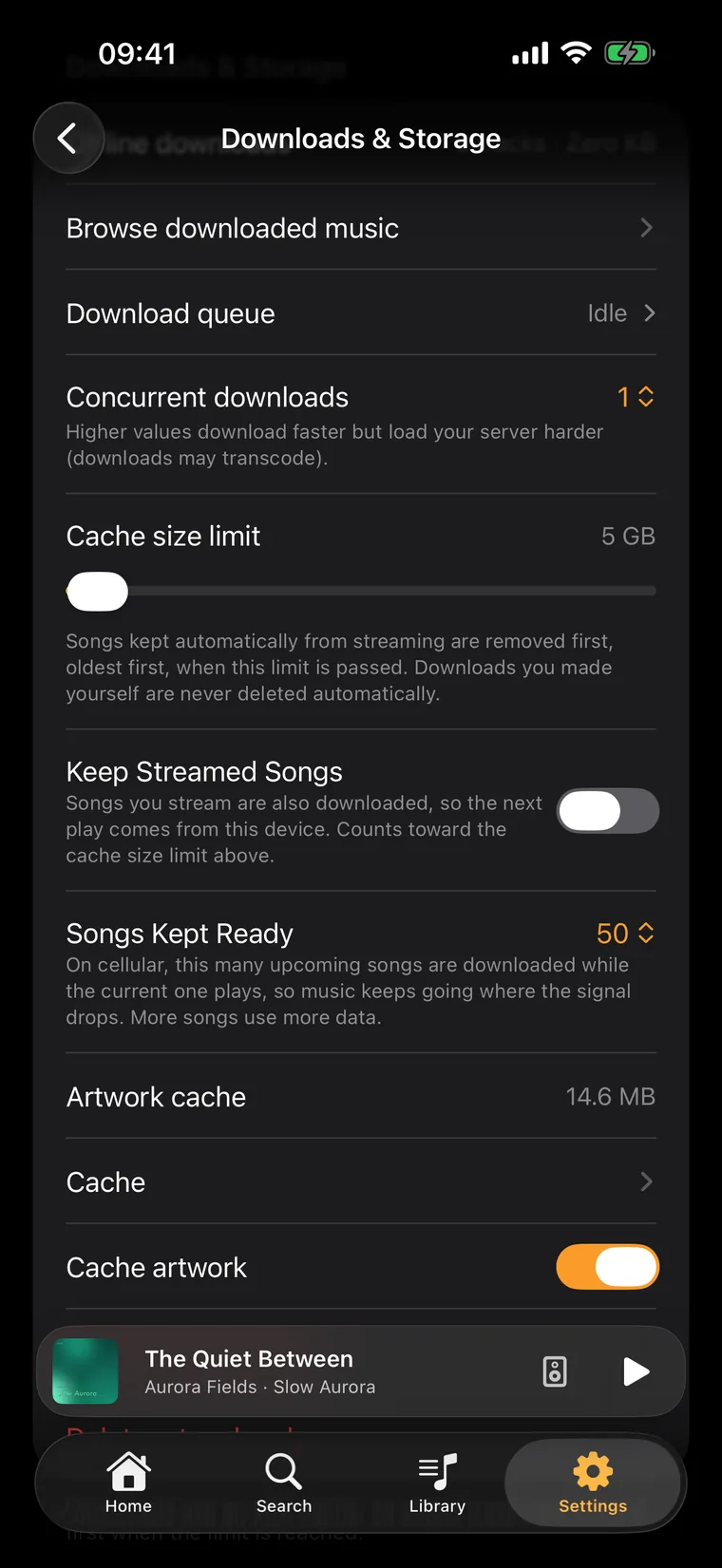
The highlighted row is Keep Streamed Songs.
Screenshot from iPhone.
What it does
Every streamed song is also stored on the device. It counts toward the Cache size limit.
How to change it
- Open Settings.
- Tap Downloads & Storage.
- Find Keep Streamed Songs and change it.
Checked against the app on 21 November 2026.