Library Doctor
Finds tag problems that split albums, and missing covers, track numbers and damaged text.
WhereSettings›Server & Library›Library Doctor
iPhoneiPadMacNot on Apple TVNot on Apple Watch
Where it is
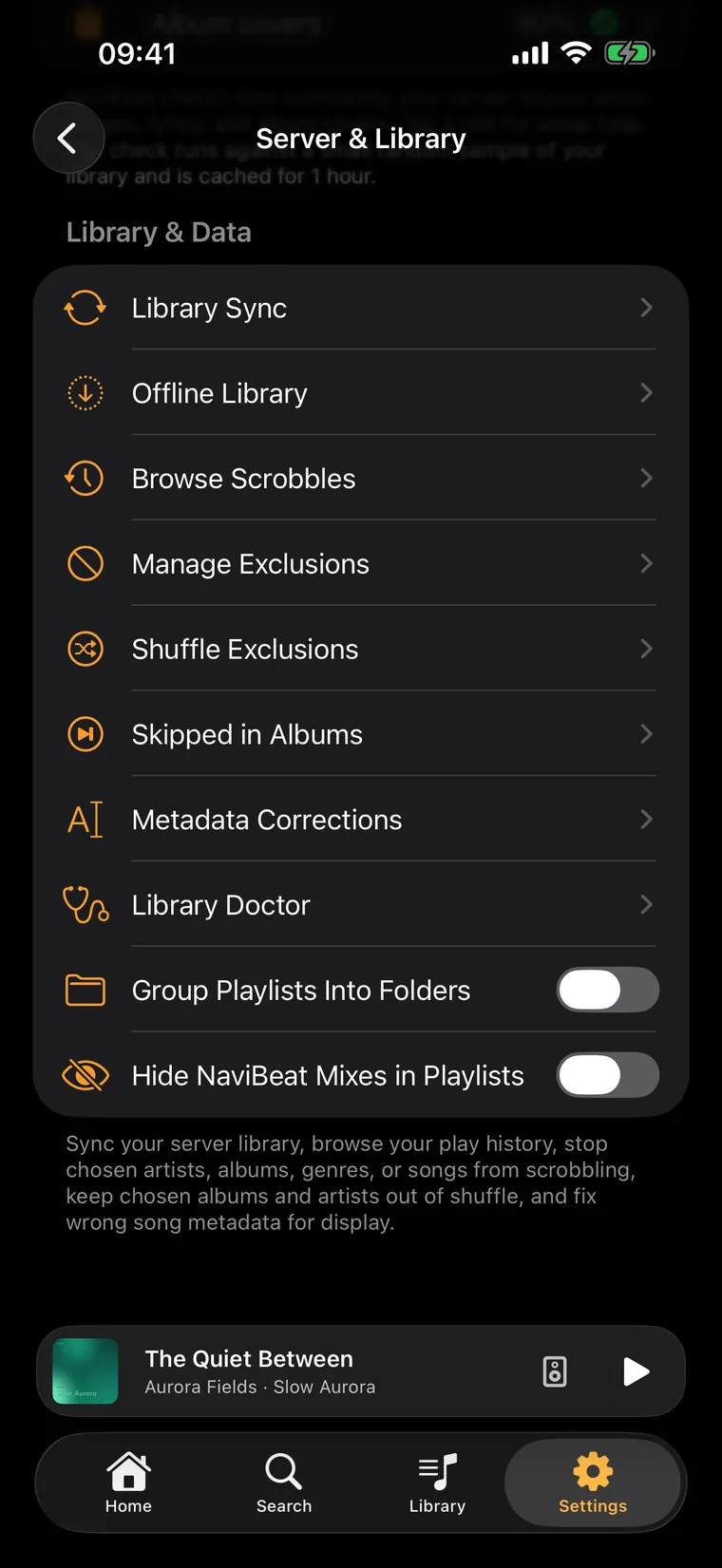
The highlighted row is Library Doctor.
Screenshot from iPhone.
What it does
Library Doctor reads your server and lists albums Navidrome shows as several, and albums with missing covers or track numbers.
On iPhone and iPad the report is read only. Fixes are written by NaviBeat on the Mac, which reaches the files in your music folder.
How to change it
- Open Settings.
- Tap Server & Library.
- Find Library Doctor and change it.
Checked against the app on 20 November 2026.