Download quality
The quality of the files NaviBeat saves when you download music.
WhereSettings›Playback & Audio›Quality & Streaming›Download quality
iPhoneiPadMacNot on Apple TVNot on Apple WatchDefault: Original
Where it is
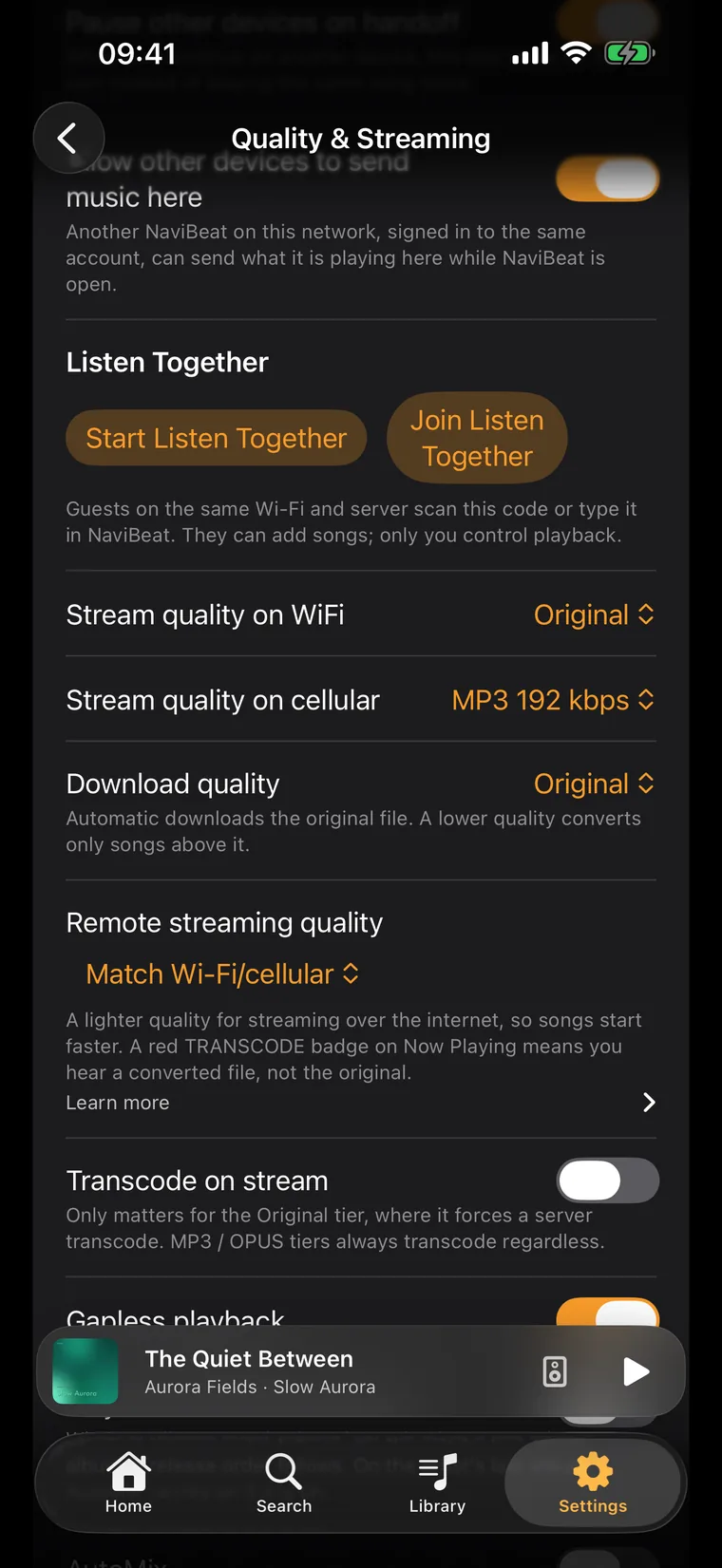
The highlighted row is Download quality.
Screenshot from iPhone.
What it does
Original saves the file exactly as it is on your server. A lower quality converts only songs that are above it, so a song already smaller than your choice is saved as it is.
How to change it
- Open Settings.
- Tap Playback & Audio.
- Tap Quality & Streaming.
- Find Download quality and change it.
Good to know
- Already downloaded songs keep the quality they were saved with.
Checked against the app on 21 November 2026.