Artist pages
Squared or Filled cover at the top of artist pages.
WhereSettings›Appearance & Language›Theme & Accent›Artist pages
iPhoneiPadMacNot on Apple TVNot on Apple WatchDefault: Squared
Where it is
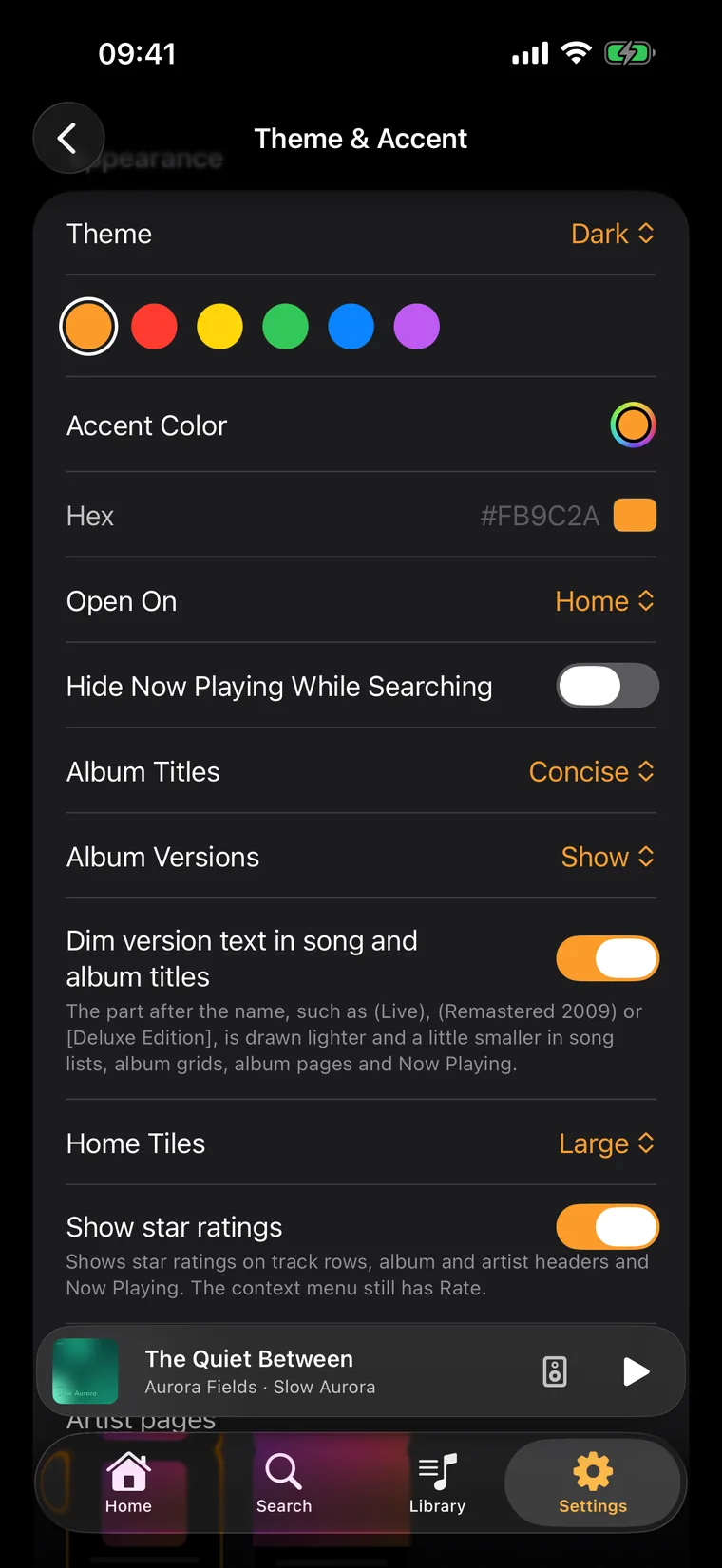
The highlighted row is Artist pages.
Screenshot from iPhone.
What it does
Squared puts the picture as a square card on the app background. Filled spreads it edge to edge across the top, with the name on it.
How to change it
- Open Settings.
- Tap Appearance & Language.
- Tap Theme & Accent.
- Find Artist pages and change it.
Checked against the app on 21 November 2026.