Fade the cover into the page
With a Filled Now Playing cover, the bottom of the cover fades into the page.
WhereSettings›Appearance & Language›Theme & Accent›Fade the cover into the page
iPhoneNot on iPadNot on MacNot on Apple TVNot on Apple WatchDefault: On
Where it is
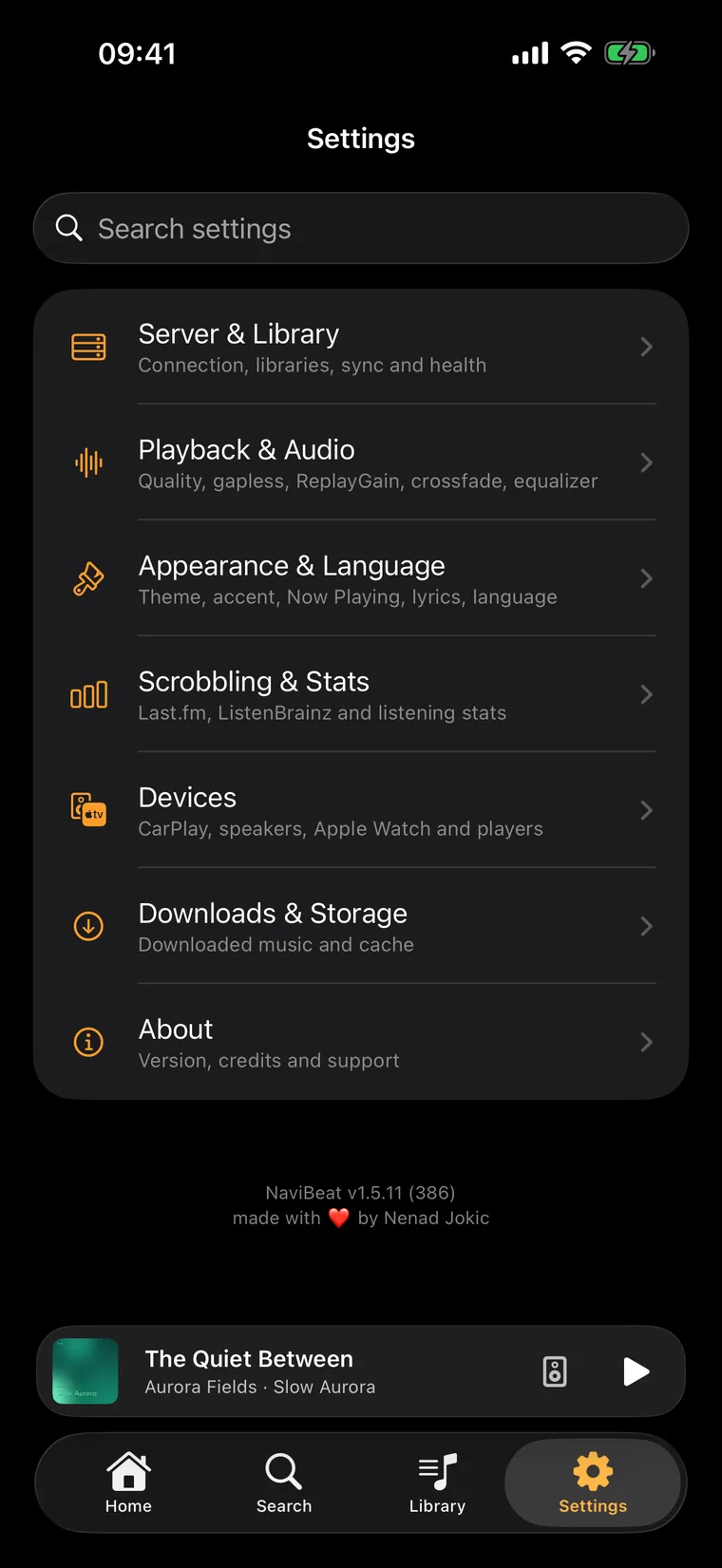
Screenshot from iPhone.
What it does
The cover blends into the background instead of ending with a hard edge. Shown only when Now Playing is set to Filled.
How to change it
- Open Settings.
- Tap Appearance & Language.
- Tap Theme & Accent.
- Find Fade the cover into the page and change it.
Checked against the app on 21 November 2026.