Keep pitch
Keeps voices and instruments at their normal pitch when you change Playback Speed.
WhereSettings›Playback & Audio›Quality & Streaming›Keep pitch
iPhoneiPadMacNot on Apple TVNot on Apple Watch
Where it is
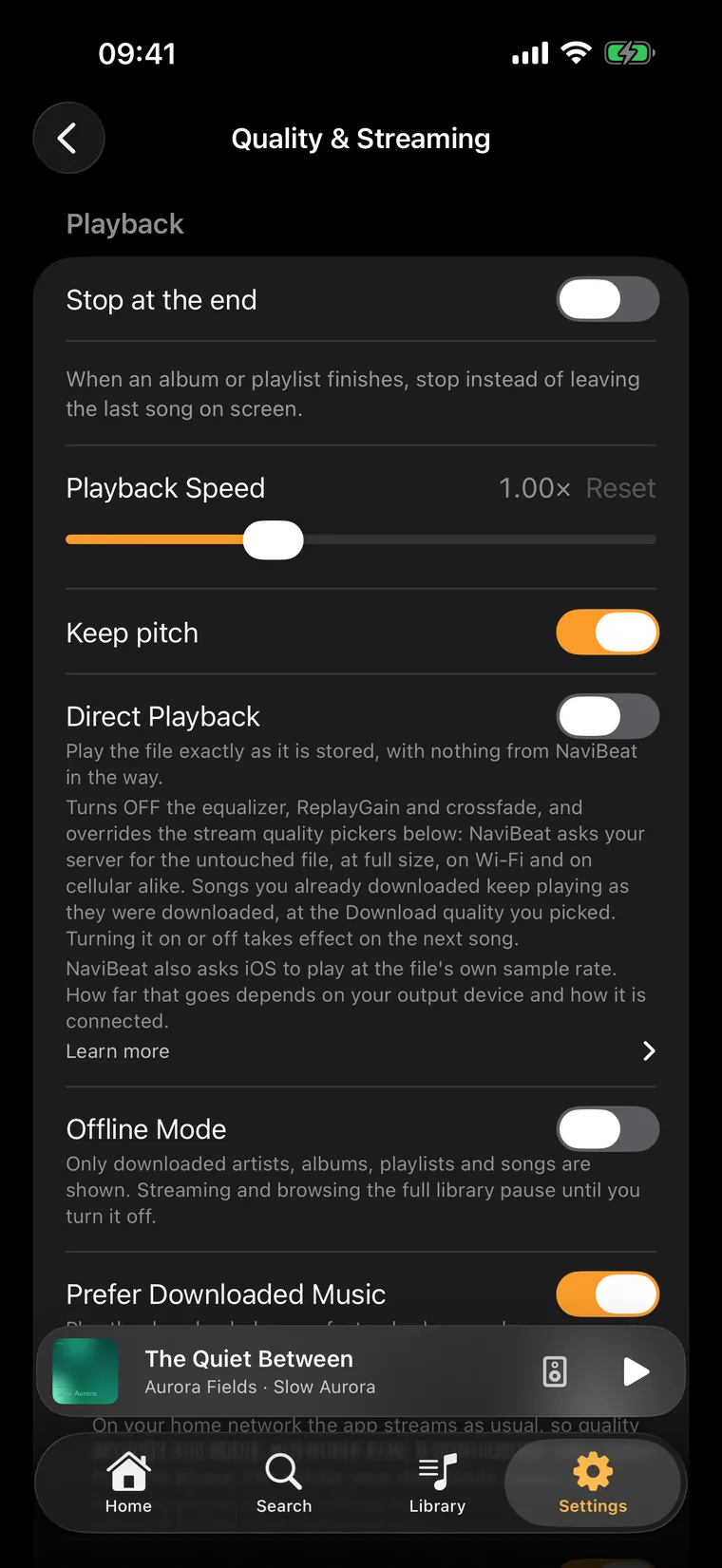
The highlighted row is Keep pitch.
Screenshot from iPhone.
What it does
With Keep pitch on, a faster speed sounds faster but not higher. With it off, faster also means higher, like a tape played fast.
How to change it
- Open Settings.
- Tap Playback & Audio.
- Tap Quality & Streaming.
- Find Keep pitch and change it.
Checked against the app on 20 November 2026.