Stop at the end
When an album or playlist finishes, playback stops and Now Playing closes.
WhereSettings›Playback & Audio›Quality & Streaming›Stop at the end
iPhoneiPadMacApple TVApple WatchDefault: Off
Where it is
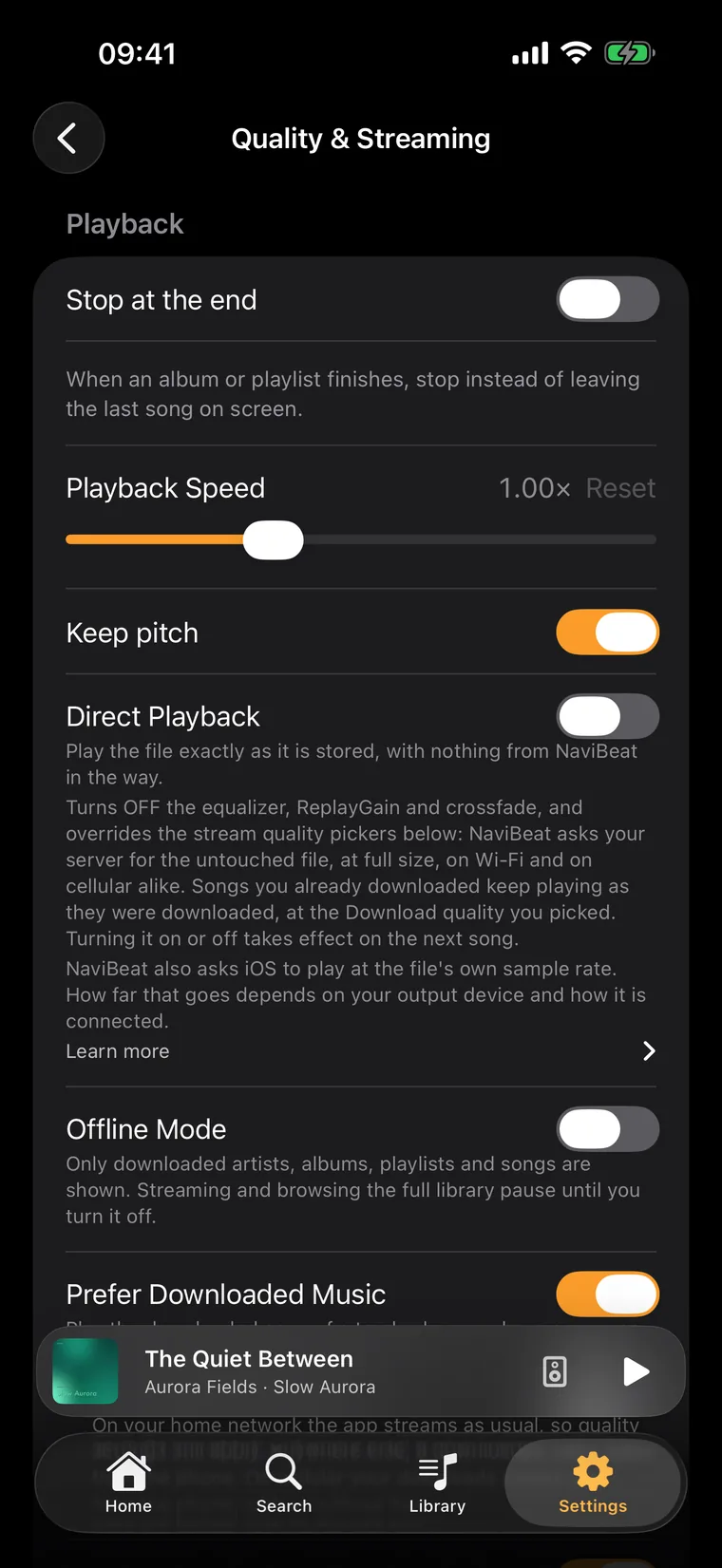
The highlighted row is Stop at the end.
Screenshot from iPhone.
What it does
Without this, the last song stays on screen when the queue ends. With it on, NaviBeat stops and leaves Now Playing.
How to change it
- Open Settings.
- Tap Playback & Audio.
- Tap Quality & Streaming.
- Find Stop at the end and change it.
Checked against the app on 21 November 2026.