Artwork
Picks how covers look at the top of artist pages, album pages and Now Playing.
WhereSettings›Appearance & Language›Theme & Accent›Artwork
iPhoneiPadMacNot on Apple TVNot on Apple Watch
Where it is
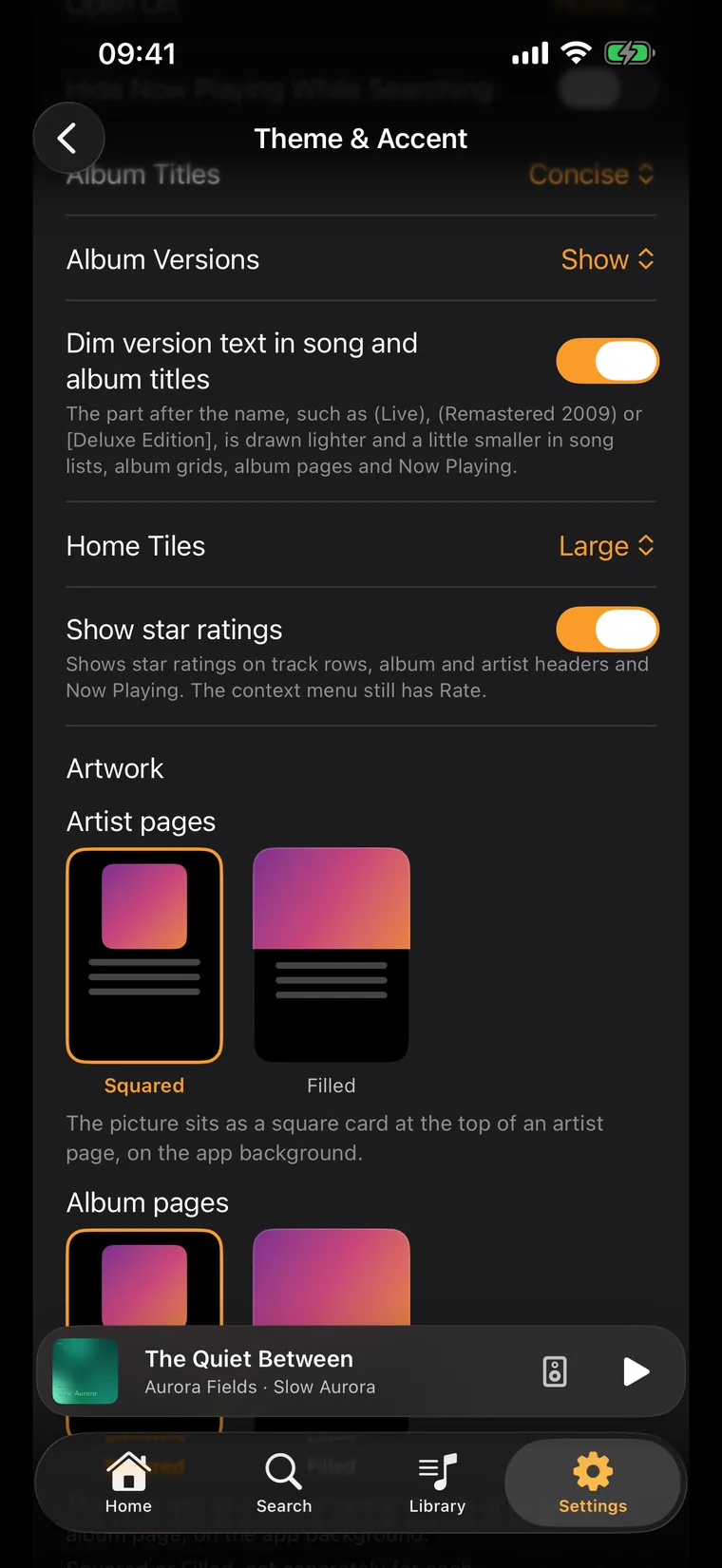
The highlighted row is Artwork.
Screenshot from iPhone.
What it does
Each of the three gets its own choice, Squared or Filled.
How to change it
- Open Settings.
- Tap Appearance & Language.
- Tap Theme & Accent.
- Find Artwork and change it.
Options
| Option | What it does | Default |
|---|---|---|
| Squared | The cover sits as a square card at the top of the page, on the app background. | Yes |
| Filled | The cover fills the top of the page edge to edge, with the name on it. |
Checked against the app on 21 November 2026.