Presets
Ready-made and saved equalizer curves, one tap to switch.
WhereSettings›Playback & Audio›Equalizer & Effects›Equalizer›Presets
iPhoneiPadMacNot on Apple TVNot on Apple Watch
Where it is
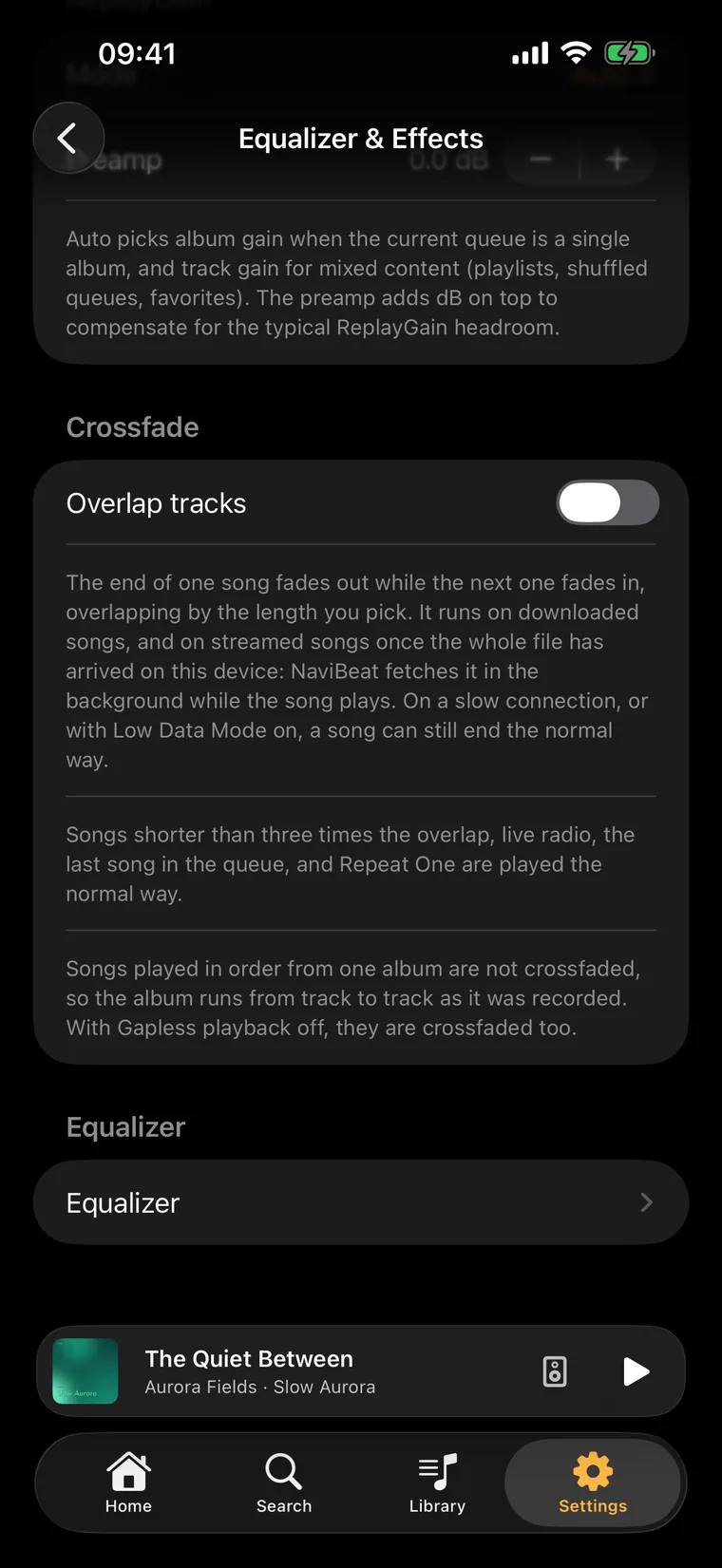
Screenshot from iPhone.
What it does
Open Presets to pick a built-in curve or one you saved. Save keeps your current curve under a name, Reset sets every band back to 0 dB.
Copy as text puts the curve on the clipboard so you can share it. Import from text reads a curve someone shared with you.
How to change it
- Open Settings.
- Tap Playback & Audio.
- Tap Equalizer & Effects.
- Tap Equalizer.
- Find Presets and change it.
Checked against the app on 20 November 2026.