Dim version text in song and album titles
Draws the part after a title, like (Live) or [Deluxe Edition], lighter and a little smaller.
WhereSettings›Appearance & Language›Theme & Accent›Dim version text in song and album titles
iPhoneiPadMacApple TVNot on Apple WatchDefault: On
Where it is
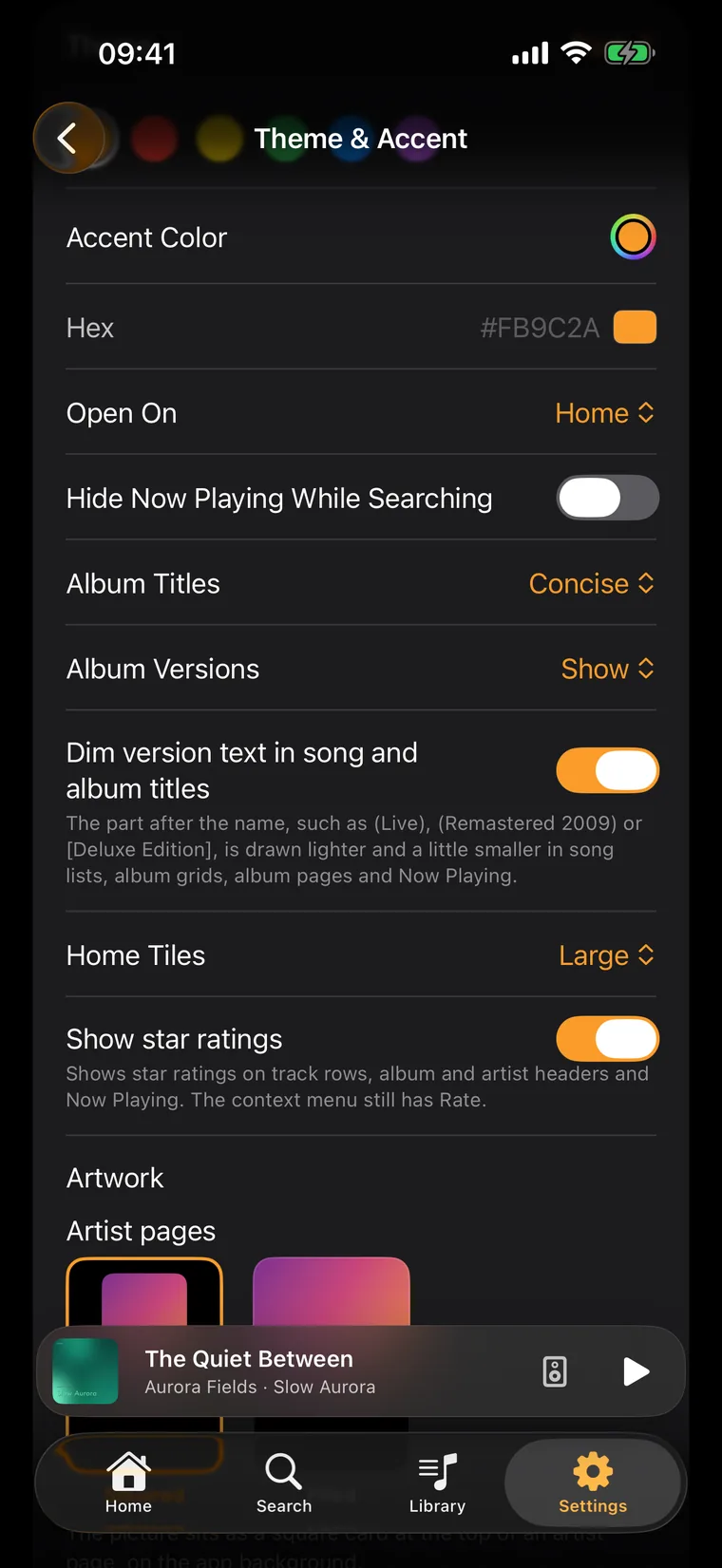
The highlighted row is Dim version text in song and album titles.
Screenshot from iPhone.
What it does
It applies in song lists, album grids, album pages and Now Playing, so the main title stands out.
How to change it
- Open Settings.
- Tap Appearance & Language.
- Tap Theme & Accent.
- Find Dim version text in song and album titles and change it.
Checked against the app on 21 November 2026.