Customize CarPlay Home
Picks which shelves CarPlay Home shows, and in what order.
WhereSettings›Devices›Customize CarPlay Home
iPhoneiPadNot on MacNot on Apple TVNot on Apple Watch
Where it is
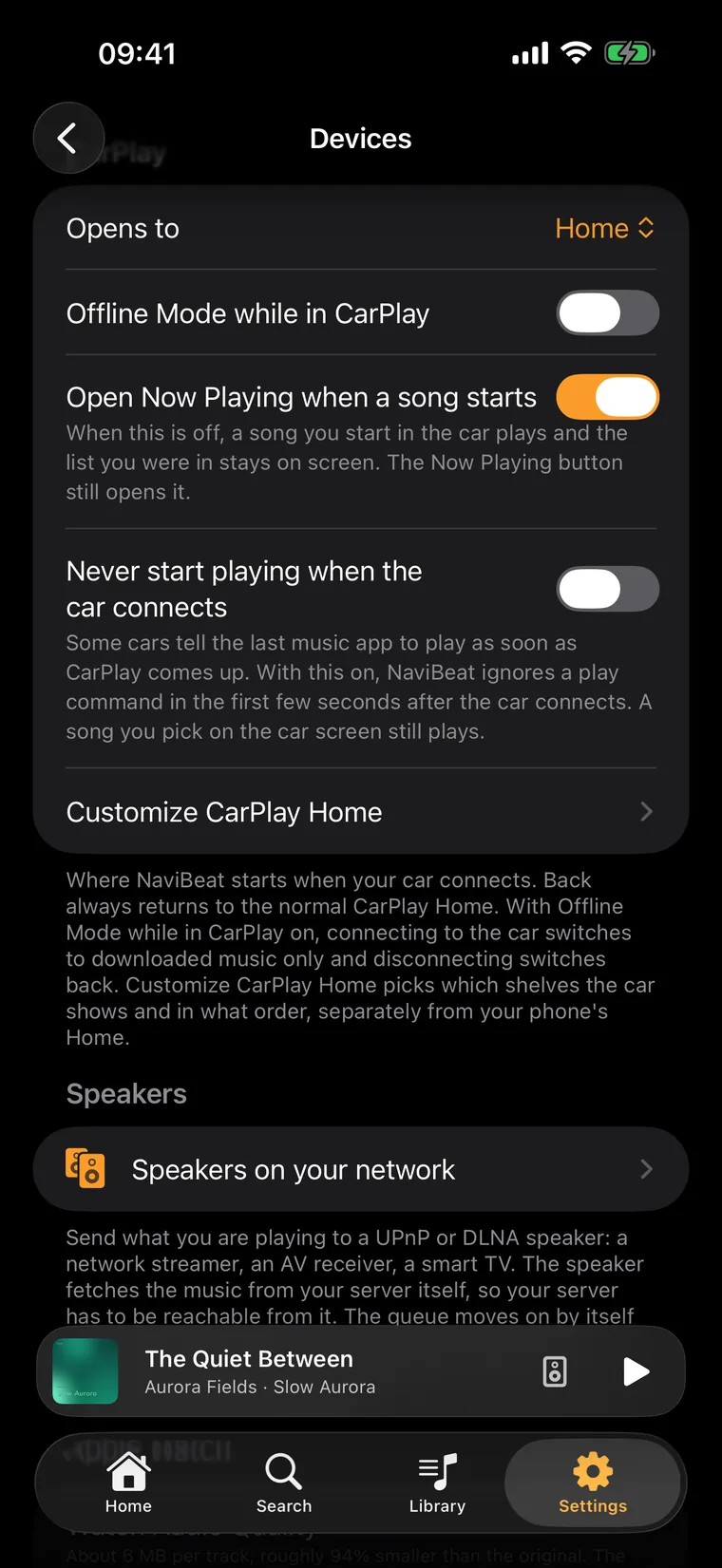
The highlighted row is Customize CarPlay Home.
Screenshot from iPhone.
What it does
This is separate from your phone's Home, so the car can show only what you want while driving.
How to change it
- Open Settings.
- Tap Devices.
- Find Customize CarPlay Home and change it.
Checked against the app on 21 November 2026.