Playback engine
Picks the audio engine NaviBeat plays with: Apple's standard player or AudioStreaming (beta).
WhereSettings›Playback & Audio›Advanced›Playback engine
iPhoneiPadMacApple TVNot on Apple Watch
Where it is
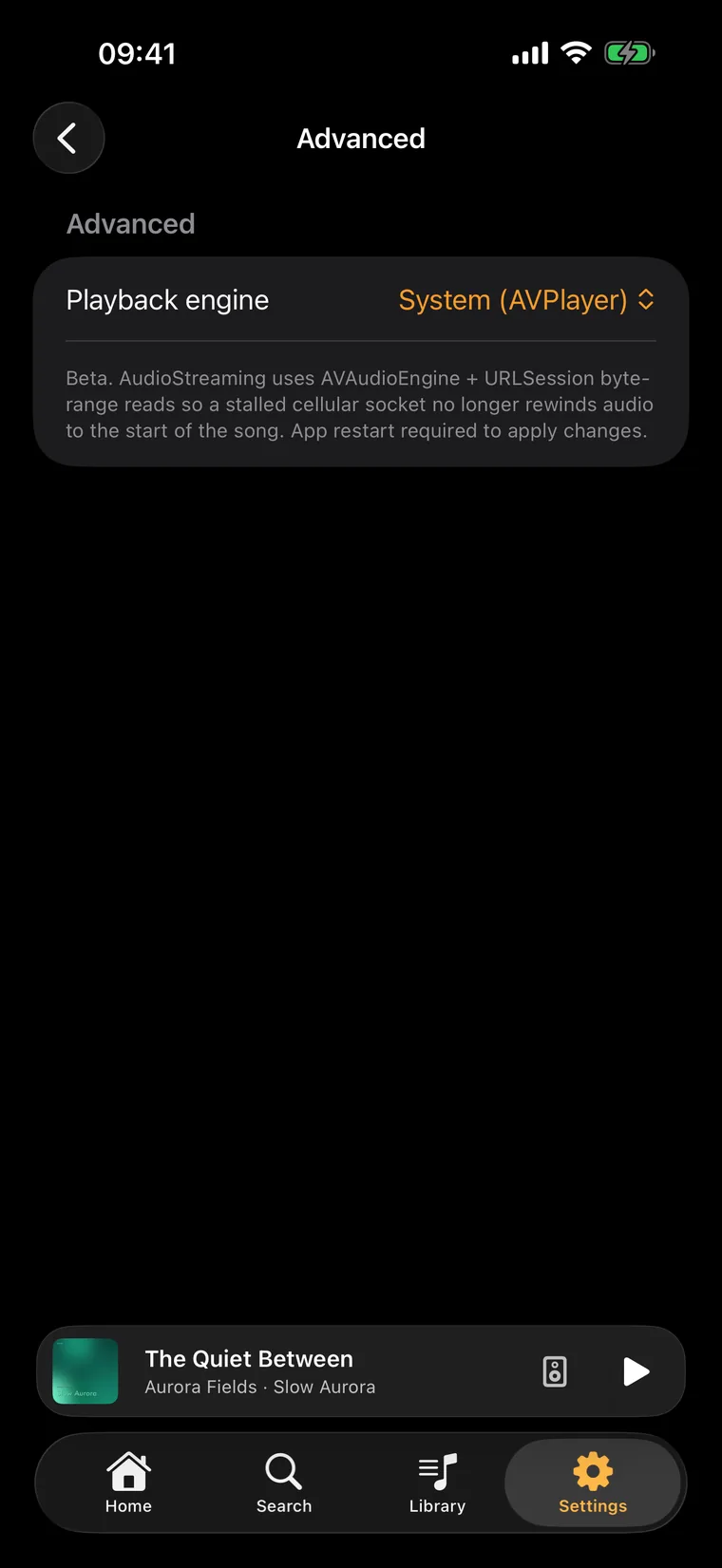
The highlighted row is Playback engine.
Screenshot from iPhone.
How to change it
- Open Settings.
- Tap Playback & Audio.
- Tap Advanced.
- Find Playback engine and change it.
Options
| Option | What it does | Default |
|---|---|---|
| System (AVPlayer) | Apple's standard player. Direct Playback and crossfade work with it. | Yes |
| AudioStreaming (beta) | NaviBeat's own engine. On the Mac it can pick an output device. |
Good to know
- Quit and relaunch NaviBeat to apply a change.
- While a client certificate (mTLS) is in use, playback is locked to AudioStreaming, because Apple's standard player cannot present a certificate to a live stream.
Checked against the app on 21 November 2026.