Troubleshooting
Records a log of one part of the app, so you can send it to support.
WhereSettings›About›Troubleshooting
iPhoneiPadMacApple TVNot on Apple Watch
Where it is
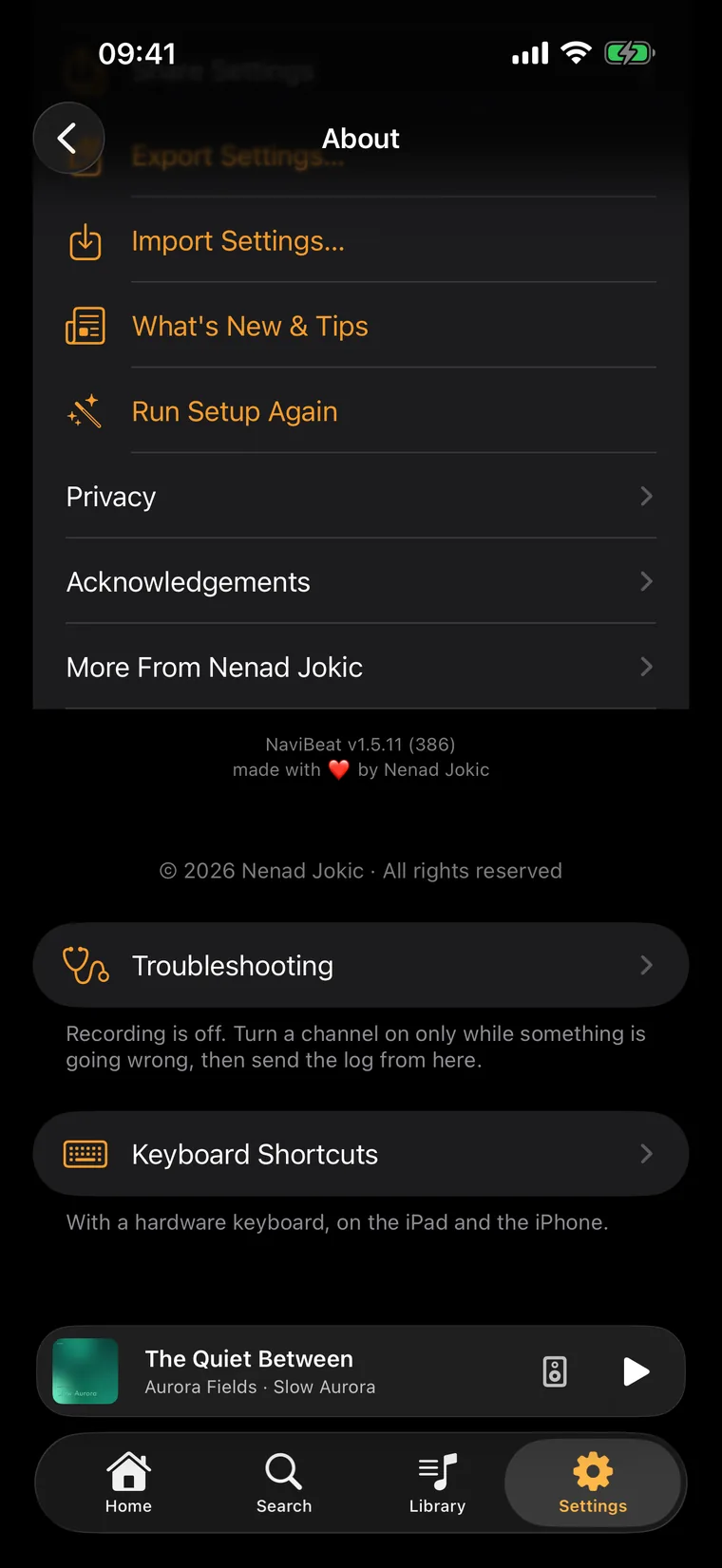
The highlighted row is Troubleshooting.
Screenshot from iPhone.
What it does
Recording is off by default. Turn on the channel that matches your problem, make it happen again, then come back and prepare the log. Record everything turns every channel on when you are not sure which one to pick.
How to change it
- Open Settings.
- Tap About.
- Find Troubleshooting and change it.
Good to know
- Recording costs battery, so turn it off once you have the log.
- Your server address and username are removed from the log automatically.
- If the app crashed, the log is empty. Send the crash report from iOS Settings, Privacy & Security, Analytics & Improvements instead.
Checked against the app on 20 November 2026.