Show on Last.fm context menu
Adds Show on Last.fm to the long-press menu of songs, albums and artists.
WhereSettings›Scrobbling & Stats›Show on Last.fm context menu
iPhoneiPadMacApple TVNot on Apple Watch
Where it is
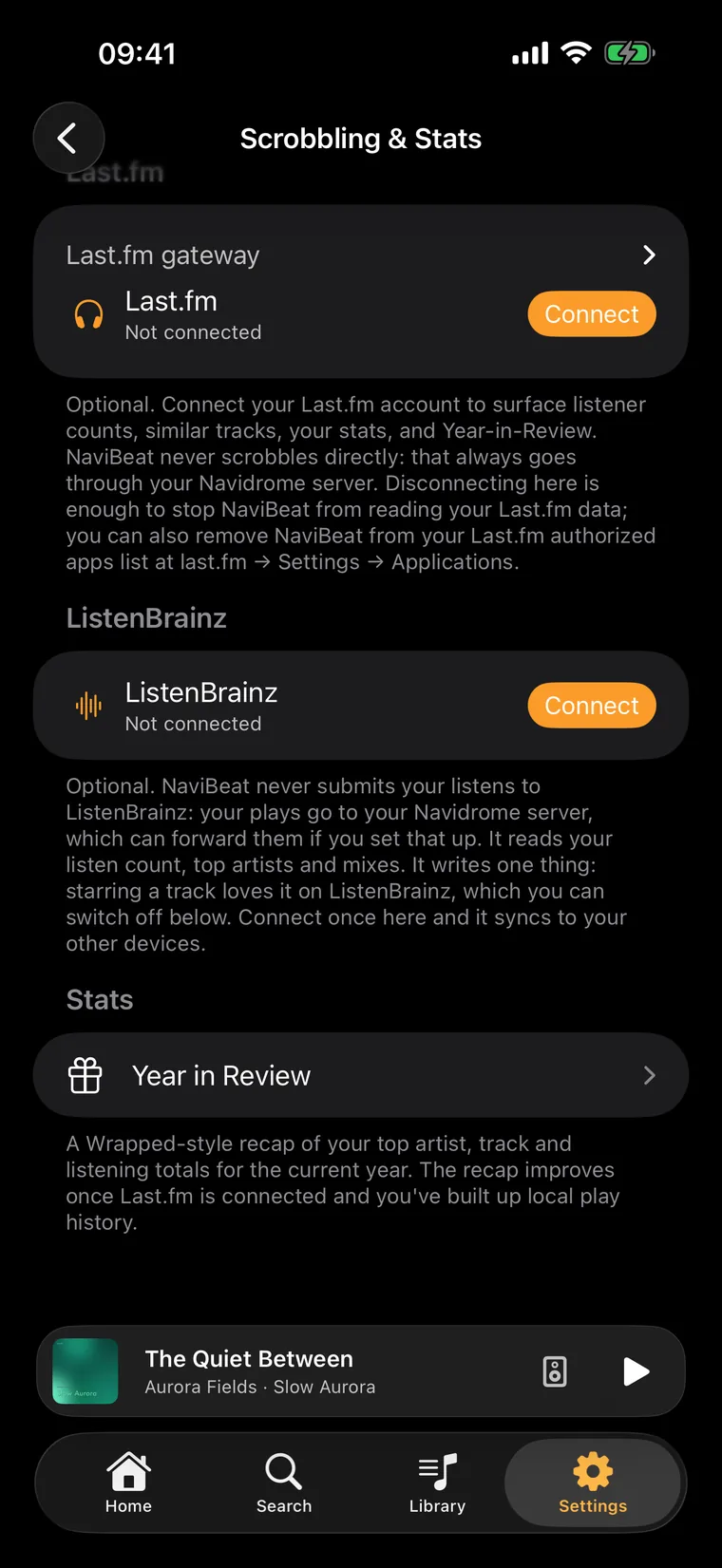
Screenshot from iPhone.
How to change it
- Open Settings.
- Tap Scrobbling & Stats.
- Find Show on Last.fm context menu and change it.
Checked against the app on 20 November 2026.