Allow other devices to send music here
Lets another NaviBeat on the same network send what it is playing to this device.
WhereSettings›Playback & Audio›Quality & Streaming›Allow other devices to send music here
iPhoneiPadMacApple TVNot on Apple WatchDefault: On
Where it is
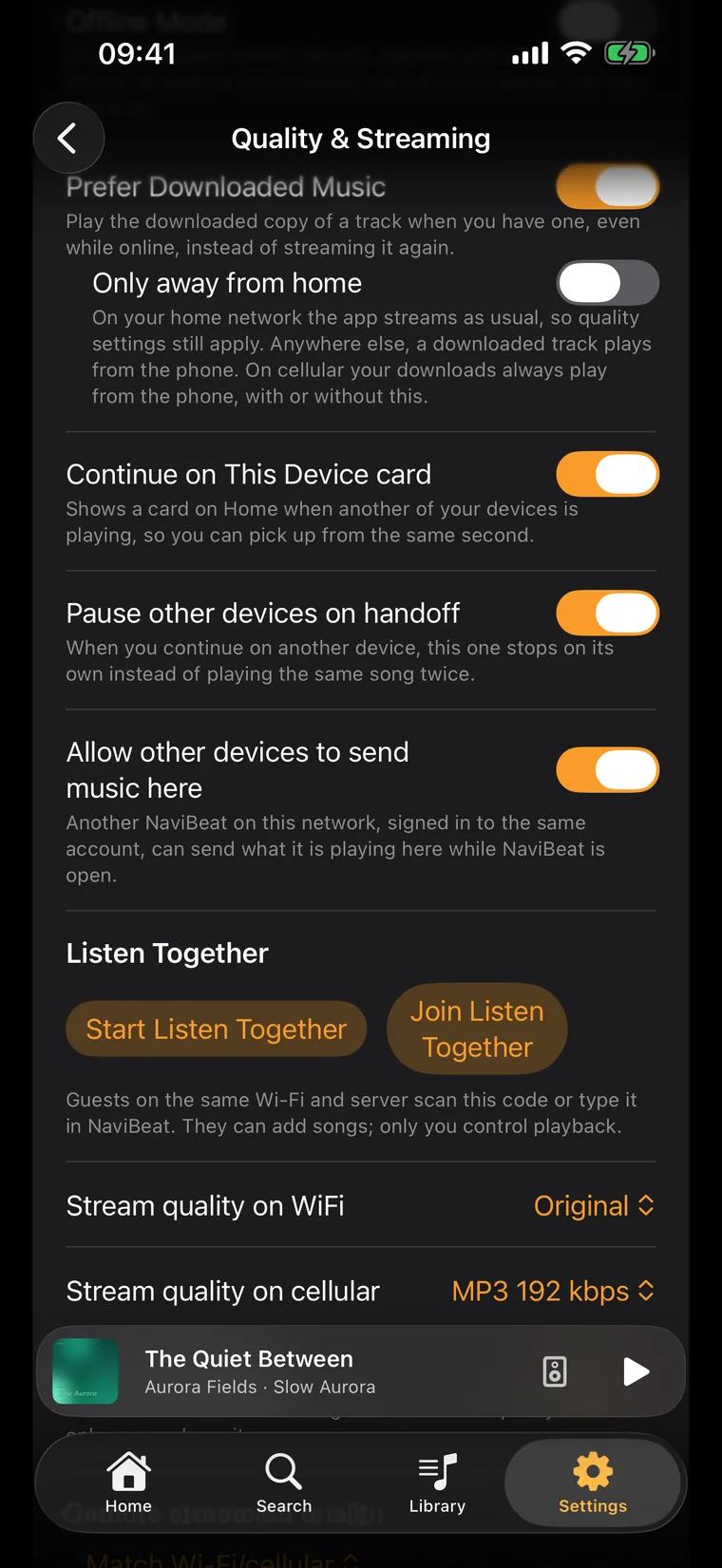
The highlighted row is Allow other devices to send music here.
Screenshot from iPhone.
What it does
Another NaviBeat on this network, signed in to the same account, can send its music here while NaviBeat is open on this device.
How to change it
- Open Settings.
- Tap Playback & Audio.
- Tap Quality & Streaming.
- Find Allow other devices to send music here and change it.
Good to know
- Turning it on asks for Local Network access, because devices find each other on your network.
Checked against the app on 21 November 2026.