Run check
Runs the Server Health check now.
WhereSettings›Server & Library›Run check
iPhoneiPadMacApple TVNot on Apple Watch
Where it is
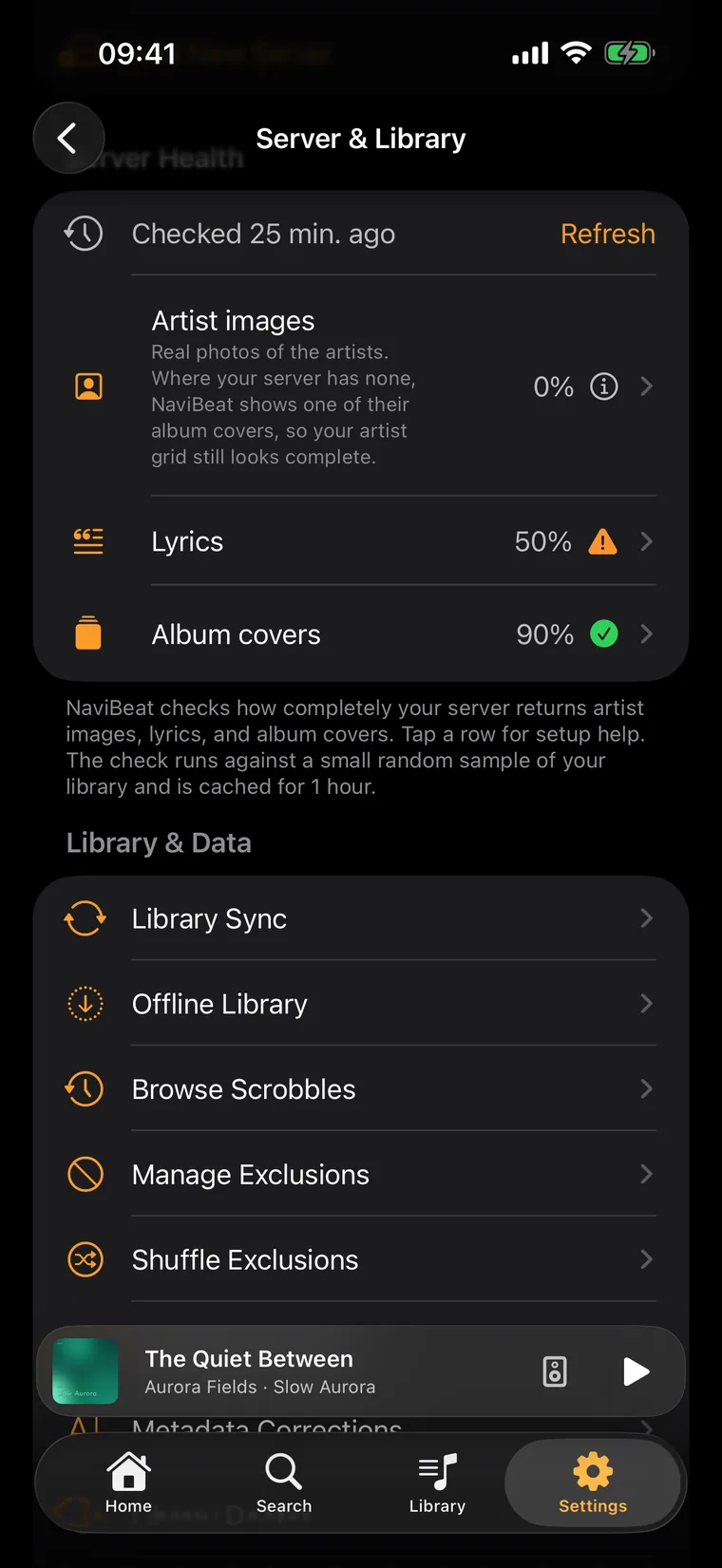
Screenshot from iPhone.
What it does
The check looks at a small random sample of your library and is kept for one hour. After the first run the button says Refresh.
How to change it
- Open Settings.
- Tap Server & Library.
- Find Run check and change it.
Checked against the app on 20 November 2026.