Prefer Downloaded Music
Plays your downloaded copy of a song when you have one, instead of streaming it again.
WhereSettings›Playback & Audio›Quality & Streaming›Prefer Downloaded Music
iPhoneiPadMacNot on Apple TVNot on Apple WatchDefault: On
Where it is
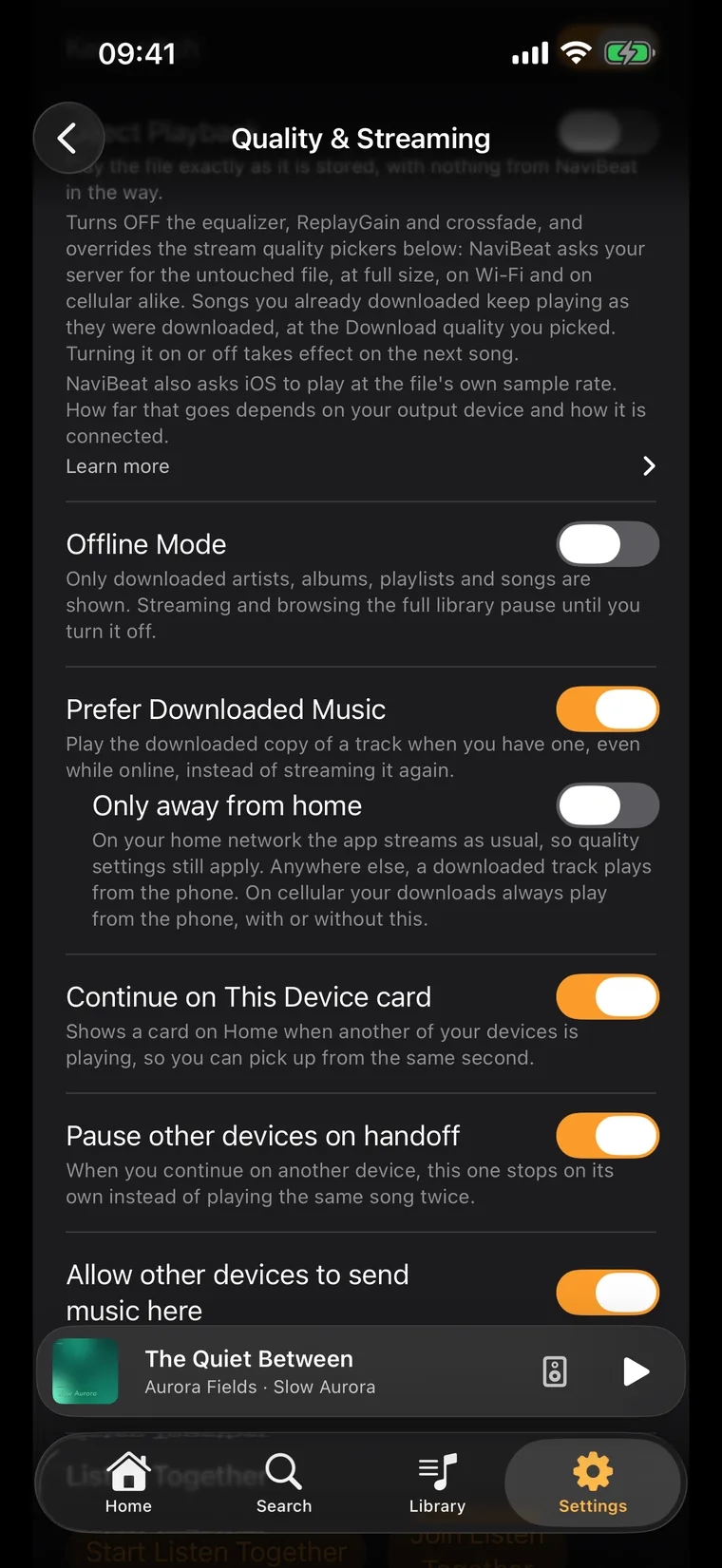
The highlighted row is Prefer Downloaded Music.
Screenshot from iPhone.
What it does
When a song is downloaded, NaviBeat plays it from the device even while you are online. That saves data and starts the song at once.
Turn on Only away from home below it if you want the normal stream quality at home and the downloads everywhere else.
How to change it
- Open Settings.
- Tap Playback & Audio.
- Tap Quality & Streaming.
- Find Prefer Downloaded Music and change it.
Checked against the app on 21 November 2026.