AutoMix seeds from
Where AutoMix finds the similar songs it adds when your queue ends.
WhereSettings›Scrobbling & Stats›AutoMix seeds from
iPhoneiPadMacApple TVNot on Apple Watch
Where it is
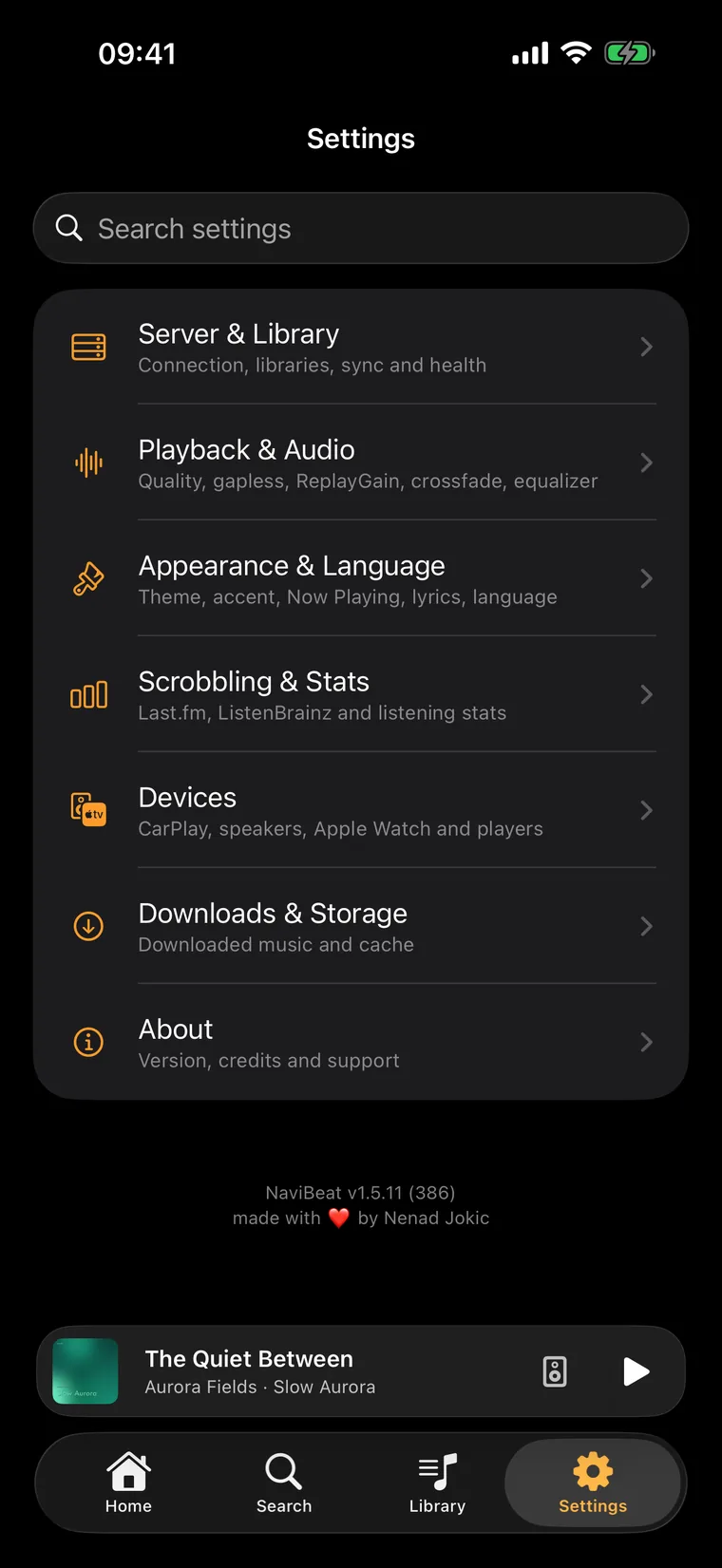
Screenshot from iPhone.
How to change it
- Open Settings.
- Tap Scrobbling & Stats.
- Find AutoMix seeds from and change it.
Options
| Option | What it does | Default |
|---|---|---|
| Best available | Last.fm first, ListenBrainz fills in. | Yes |
| Last.fm | Similar songs from Last.fm. | |
| ListenBrainz | Similar songs from ListenBrainz. | |
| Your server | Similar songs from your Navidrome. |
Good to know
- If the service you picked is disconnected, Settings says so under the picker.
Checked against the app on 21 November 2026.