Browse Scrobbles
A list of the songs you played on this device.
WhereSettings›Server & Library›Browse Scrobbles
iPhoneiPadMacApple TVNot on Apple Watch
Where it is
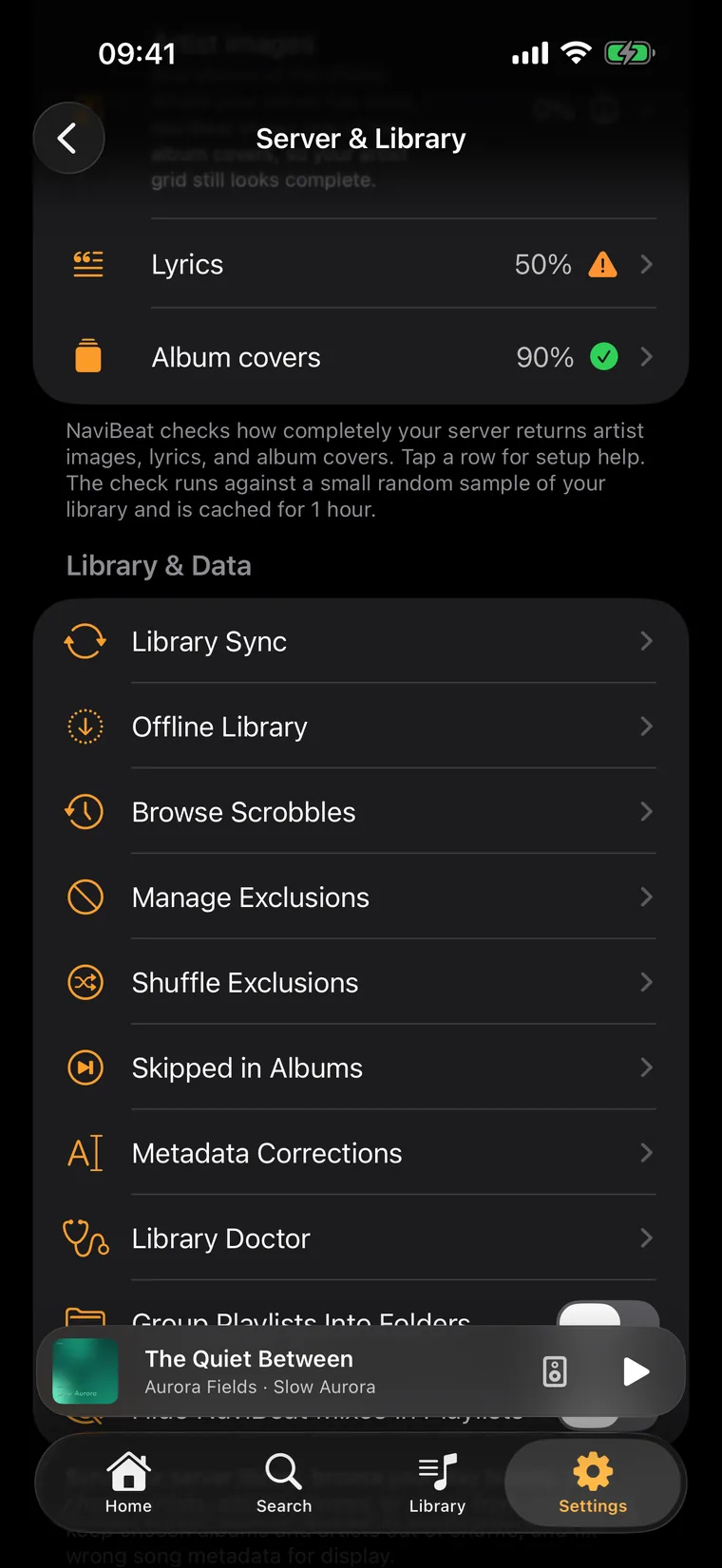
The highlighted row is Browse Scrobbles.
Screenshot from iPhone.
What it does
Tap a play to play that song again. To see your full history across every device, connect Last.fm.
How to change it
- Open Settings.
- Tap Server & Library.
- Find Browse Scrobbles and change it.
Checked against the app on 20 November 2026.