Server information
Your server's version and the OpenSubsonic features it supports.
WhereSettings›Server & Library›Server information
iPhoneiPadMacNot on Apple TVNot on Apple Watch
Where it is
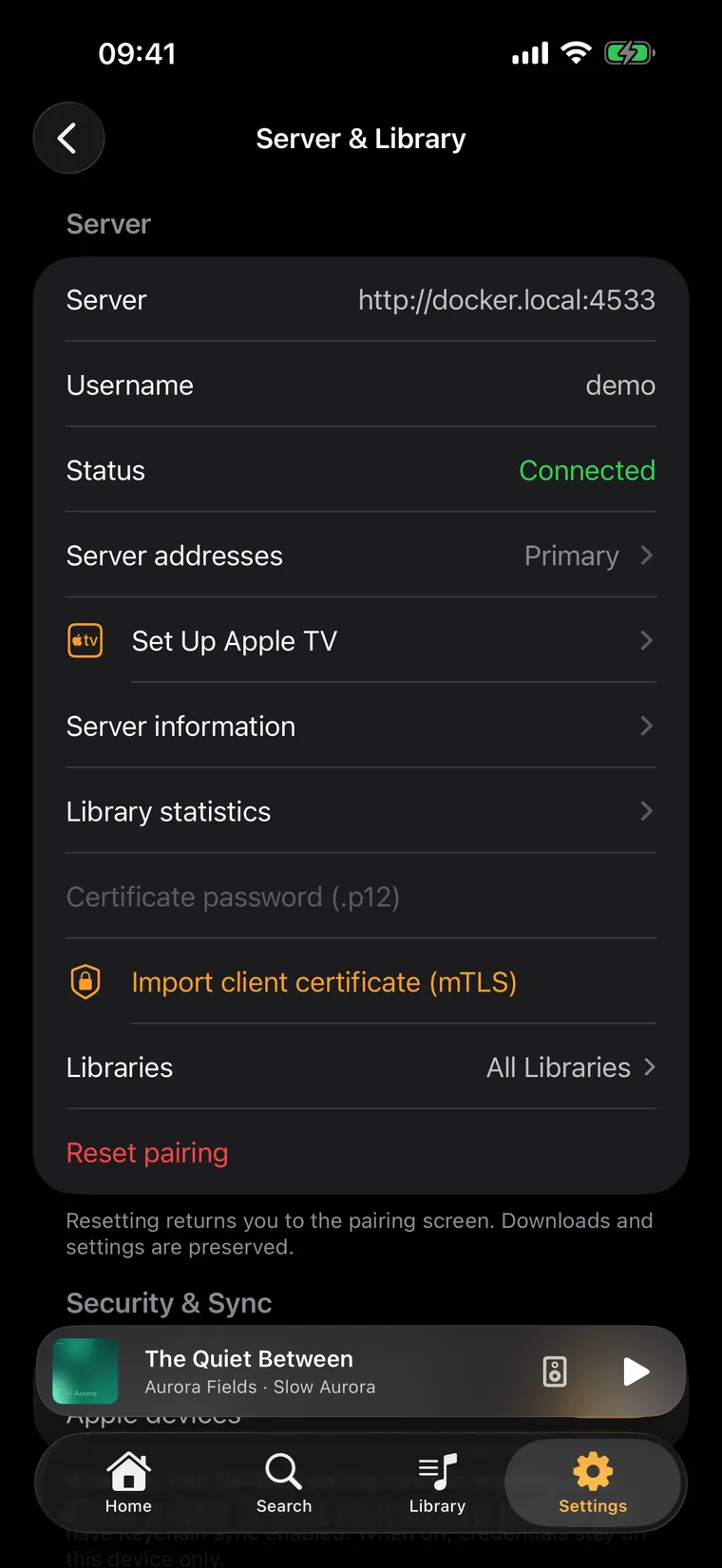
The highlighted row is Server information.
Screenshot from iPhone.
What it does
NaviBeat turns on some features only when your server supports them. This screen lists those Supported extensions.
Quick Scan and Full Scan ask your server to scan its music folders.
How to change it
- Open Settings.
- Tap Server & Library.
- Find Server information and change it.
Checked against the app on 20 November 2026.