Speakers on your network
Sends what you play to a UPnP or DLNA speaker: a network streamer, an AV receiver or a smart TV.
WhereSettings›Devices›Speakers on your network
iPhoneiPadMacNot on Apple TVNot on Apple Watch
Where it is
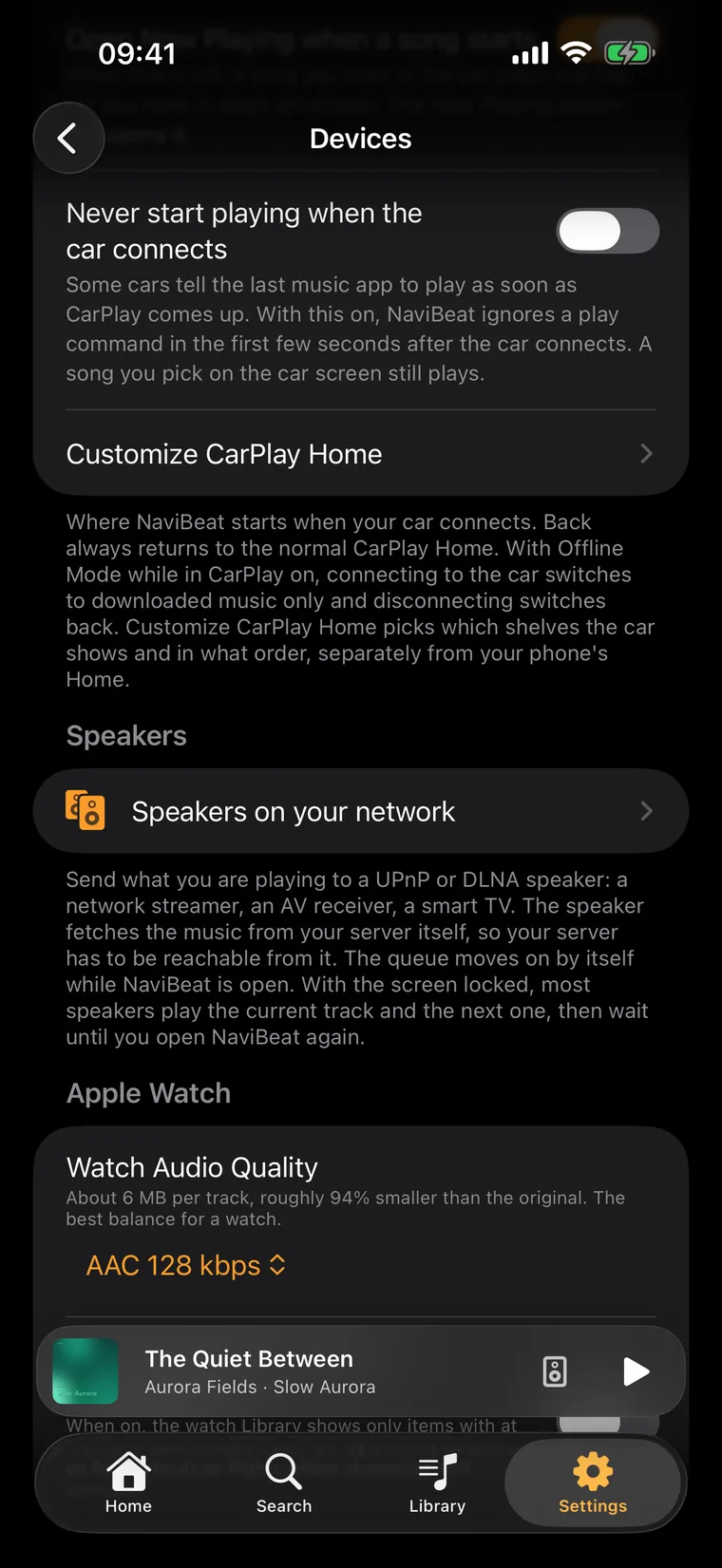
The highlighted row is Speakers on your network.
Screenshot from iPhone.
What it does
The speaker fetches the music from your server itself, so your server has to be reachable from the speaker. The queue moves on by itself while NaviBeat is open.
How to change it
- Open Settings.
- Tap Devices.
- Find Speakers on your network and change it.
Checked against the app on 21 November 2026.