Smooth shuffle
Shuffle picks each next song to fit the one before it, using your tags.
WhereSettings›Playback & Audio›Quality & Streaming›Smooth shuffle
iPhoneiPadMacApple TVNot on Apple WatchDefault: Off
Where it is
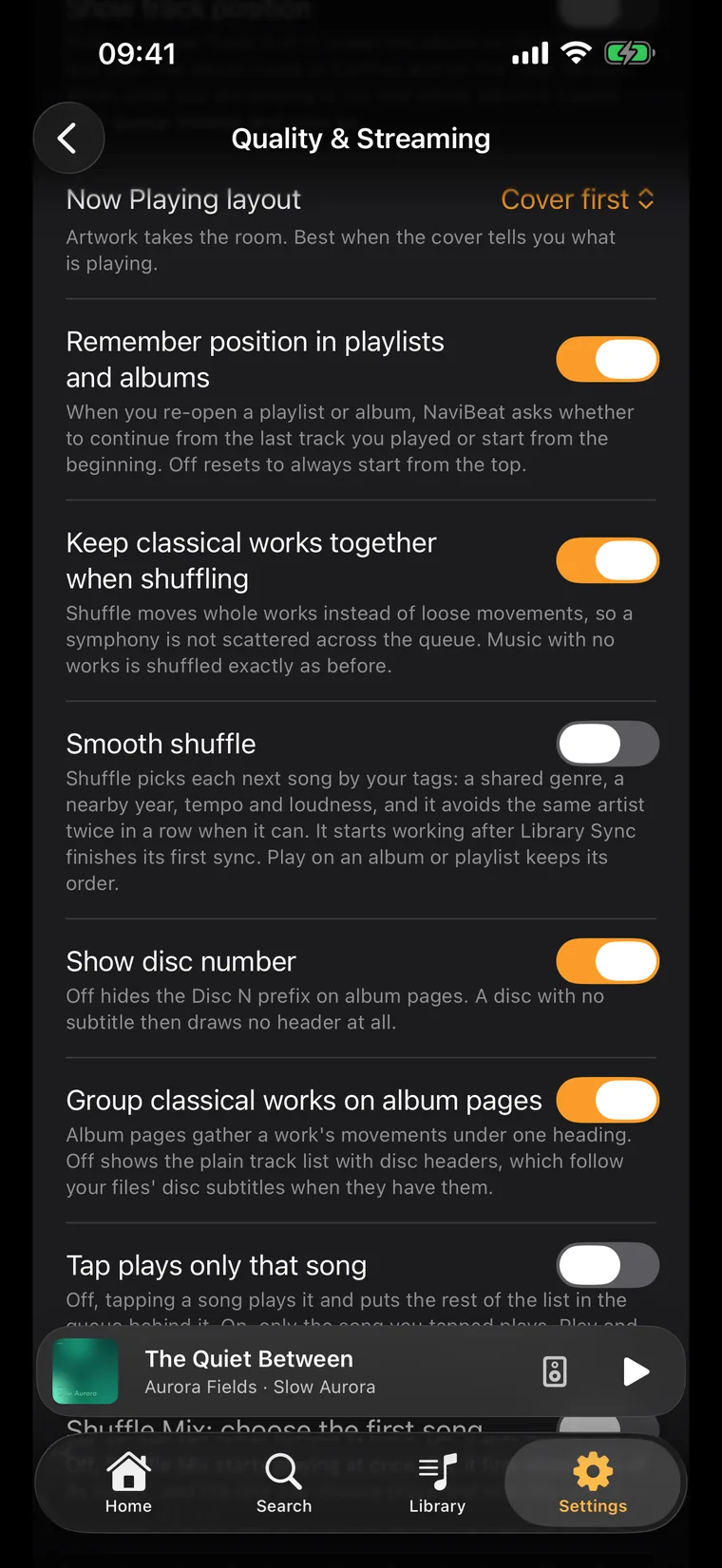
The highlighted row is Smooth shuffle.
Screenshot from iPhone.
What it does
Smooth shuffle looks at a shared genre, a nearby year, tempo and loudness, and avoids the same artist twice in a row when it can. There is still randomness, so the order is different every time.
Play on an album or playlist keeps its order. Only Shuffle changes.
How to change it
- Open Settings.
- Tap Playback & Audio.
- Tap Quality & Streaming.
- Find Smooth shuffle and change it.
Good to know
- It starts working once Save names and album info has finished its first sync (Settings, Server & Library, Offline Library). Until then Settings says it is not active yet.
- It uses only the tags your server already has. A missing tag neither helps nor hurts.
Checked against the app on 21 November 2026.