Sync favorites with Last.fm
Keeps your NaviBeat favorites and your Last.fm loved songs in sync, both ways.
WhereSettings›Scrobbling & Stats›Sync favorites with Last.fm
iPhoneiPadMacApple TVNot on Apple Watch
Where it is
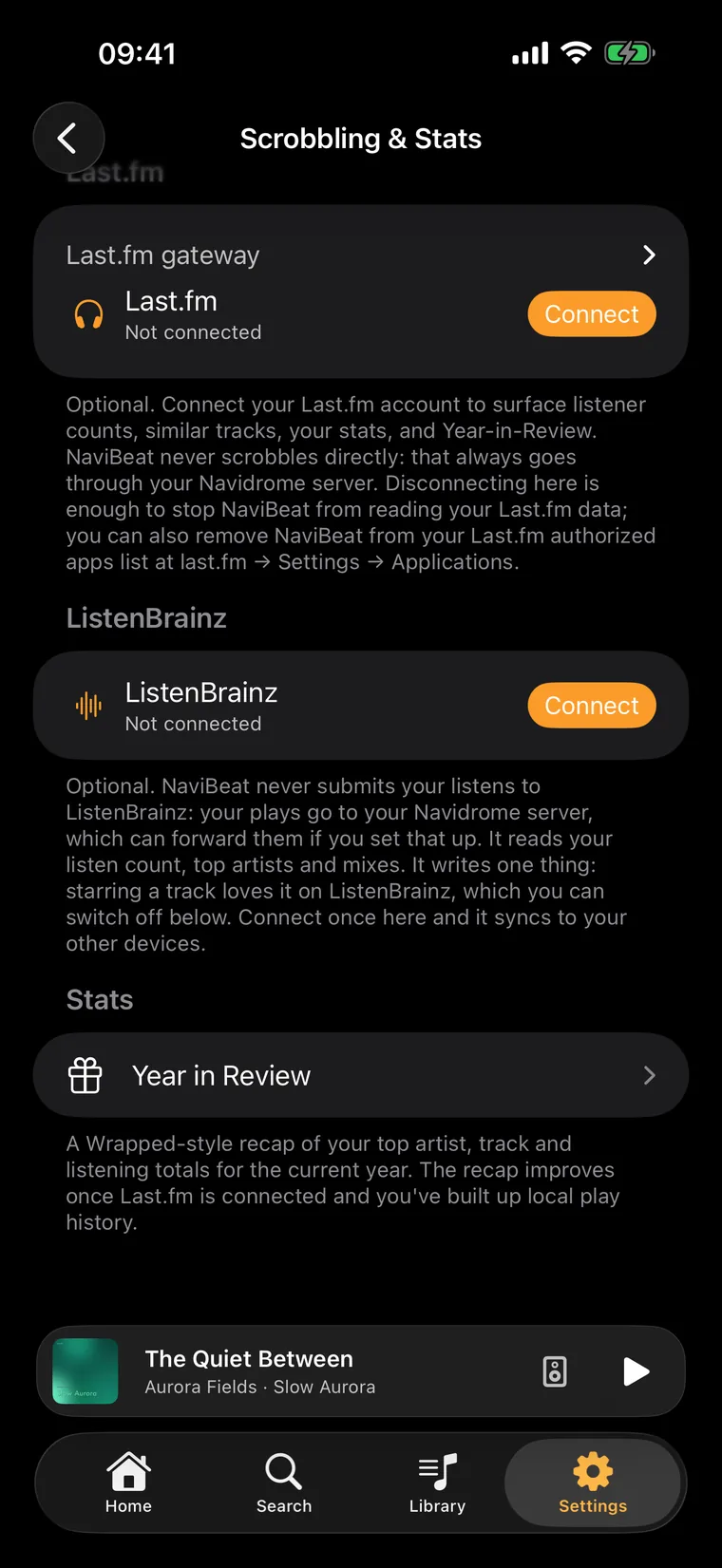
Screenshot from iPhone.
What it does
Favorite a song in NaviBeat and it is loved on Last.fm, and the other way round. Songs not yet in your library are remembered and applied when they appear.
Sync now runs it at once and shows how many songs matched.
How to change it
- Open Settings.
- Tap Scrobbling & Stats.
- Find Sync favorites with Last.fm and change it.
Checked against the app on 20 November 2026.